You can choose - so choose deliberately
Open the server list, pick the region closest to you and play a session without changing anything else. That is your baseline. Only after you have written it down is a comparison meaningful.

Versus VPN guide
Fortnite lets you choose a server, which makes it one of the easiest games to test a route in. Here's how to do it without mistaking noise for an improvement.
 Windows 10 / 11One subscription
Fortnite artwork © Epic Games. Versus is not affiliated with Epic Games.
Practical steps that work on your own connection. Measure first, change one thing at a time, and keep what's actually better.
Open the server list, pick the region closest to you and play a session without changing anything else. That is your baseline. Only after you have written it down is a comparison meaningful.
Fortnite shows ping and packet loss. Loss is what causes builds that do not place and shots that do not connect. Note whether it is constant or only appears during busy moments: constant loss usually points at your route or your line, occasional loss often points at server load.
Fortnite's player population swings a lot between regions and times of day, so a test at 20:00 and a retest at 02:00 tells you about the population, not your route. Compare like with like.
If you already have a stable connection with no packet loss, adding a VPN normally adds latency. The case for routing is a bad path or a congested hop, and nothing else.
Fortnite runs through the Versus VPN app on Windows. The same plan also covers Call of Duty on PS5 and Xbox with Versus DNS or Console VPN.
The app, Versus DNS and Console VPN, with no extra plans or add-ons.
Inside the app
Route readings, regions and per-game profiles in the Versus VPN app on Windows.
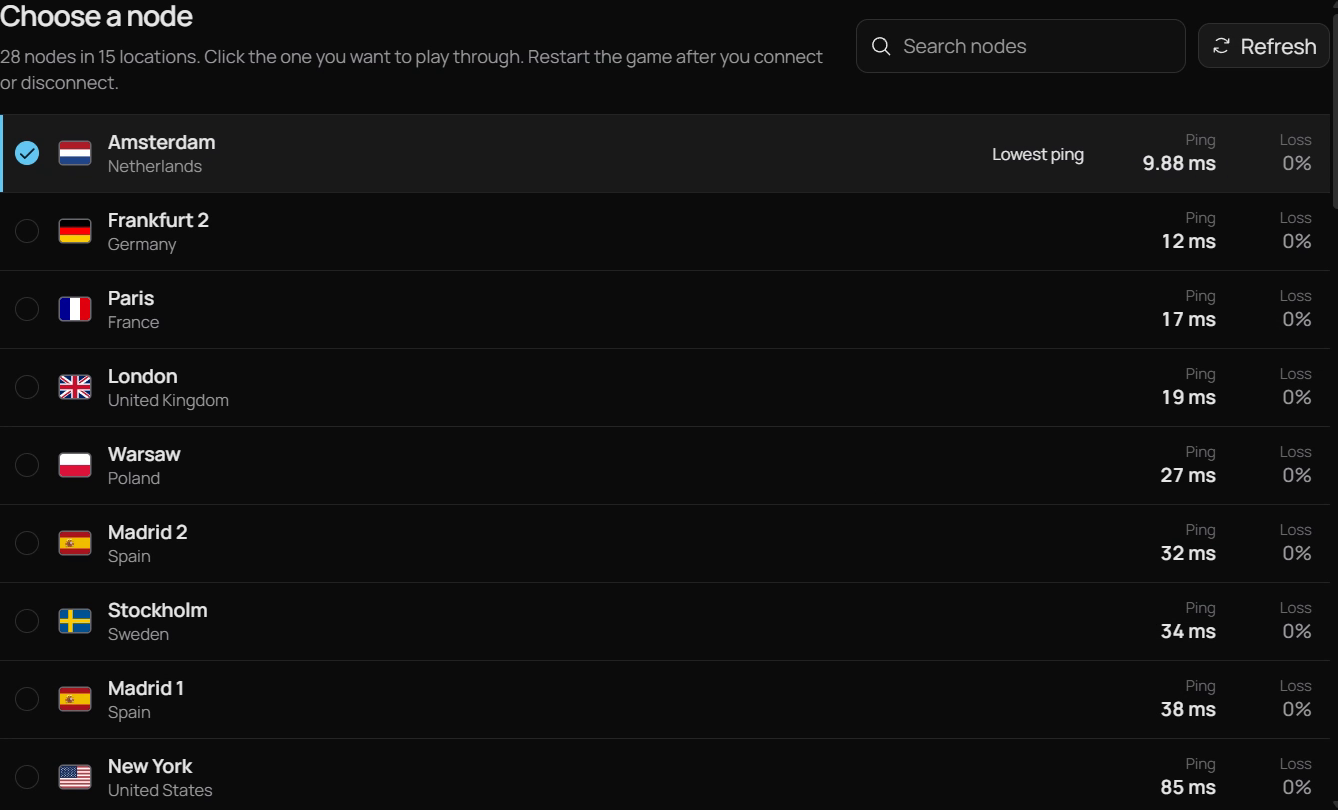
Ping Boost
Fortnite build fights and box fights are decided in milliseconds, and an unstable route turns edits into ghost walls. Versus VPN measures each route first, so you can pick the steadiest one.
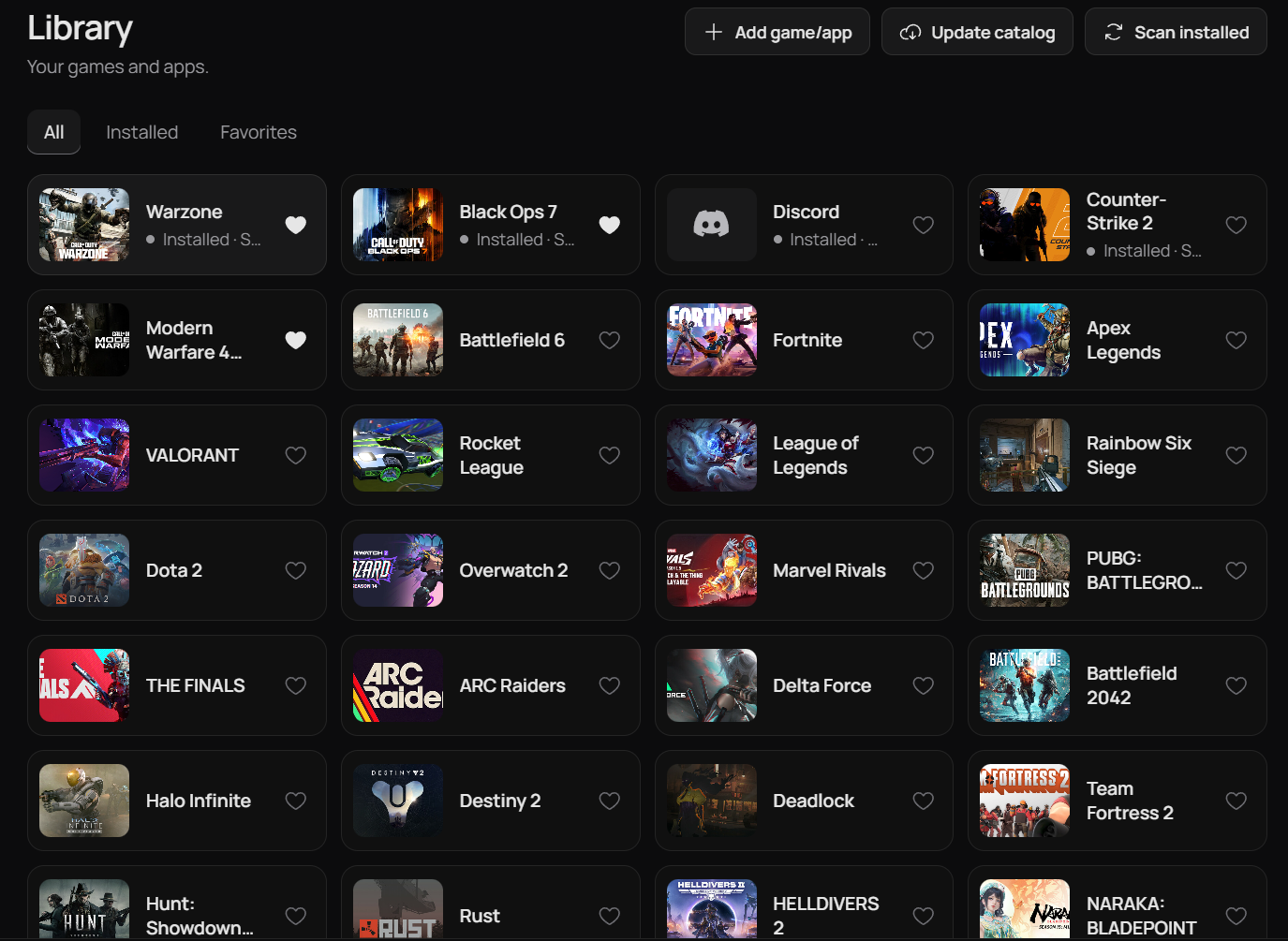
Game library
Fortnite keeps its own route and region, and Versus applies it when the game starts, so you never set it up twice.
Plans
One Versus VPN plan covers every supported game, plus Versus DNS and Console VPN for Call of Duty on PS5 and Xbox.
Questions
Straight answers, including what Versus can't do.
Only if your normal path to the server is poor. There is no guaranteed reduction, and it can increase ping by adding a hop.
Whichever measures best for you. Start with the closest and check the in-game ping and packet loss rather than assuming.
Only if the spikes come from your route. Spikes caused by Wi-Fi interference, background uploads or an overloaded server will not improve.
Yes, with its own saved routing preferences.
No. Fortnite uses the Versus VPN app on Windows. Versus DNS and Versus Console VPN are for Call of Duty: Warzone, Black Ops 7 and Modern Warfare 4, and they come with the same Versus VPN subscription.
Supported games
Versus VPN and Versus Remap guides for every game we cover, on Windows 10 and 11.
 Modern Warfare 4VPN + Remap
 WarzoneVPN + Remap
 Black Ops 7VPN + Remap
 Battlefield 6VPN + RemapFortniteVPN + Remap
 Apex LegendsVPN + Remap
 VALORANTVPN
 Rainbow Six SiegeVPN + Remap
 Rocket LeagueVPN + Remap
 Counter-Strike 2VPN
 Overwatch 2VPN + Remap
 Marvel RivalsVPN + Remap
 ARC RaidersVPN + Remap
 League of LegendsVPN
 Dota 2VPN
Versus VPN for Windows
Set up Versus VPN once and keep your routes ready for every session.
Get Versus VPN Windows 10 / 11 · Account required · Cancel any time