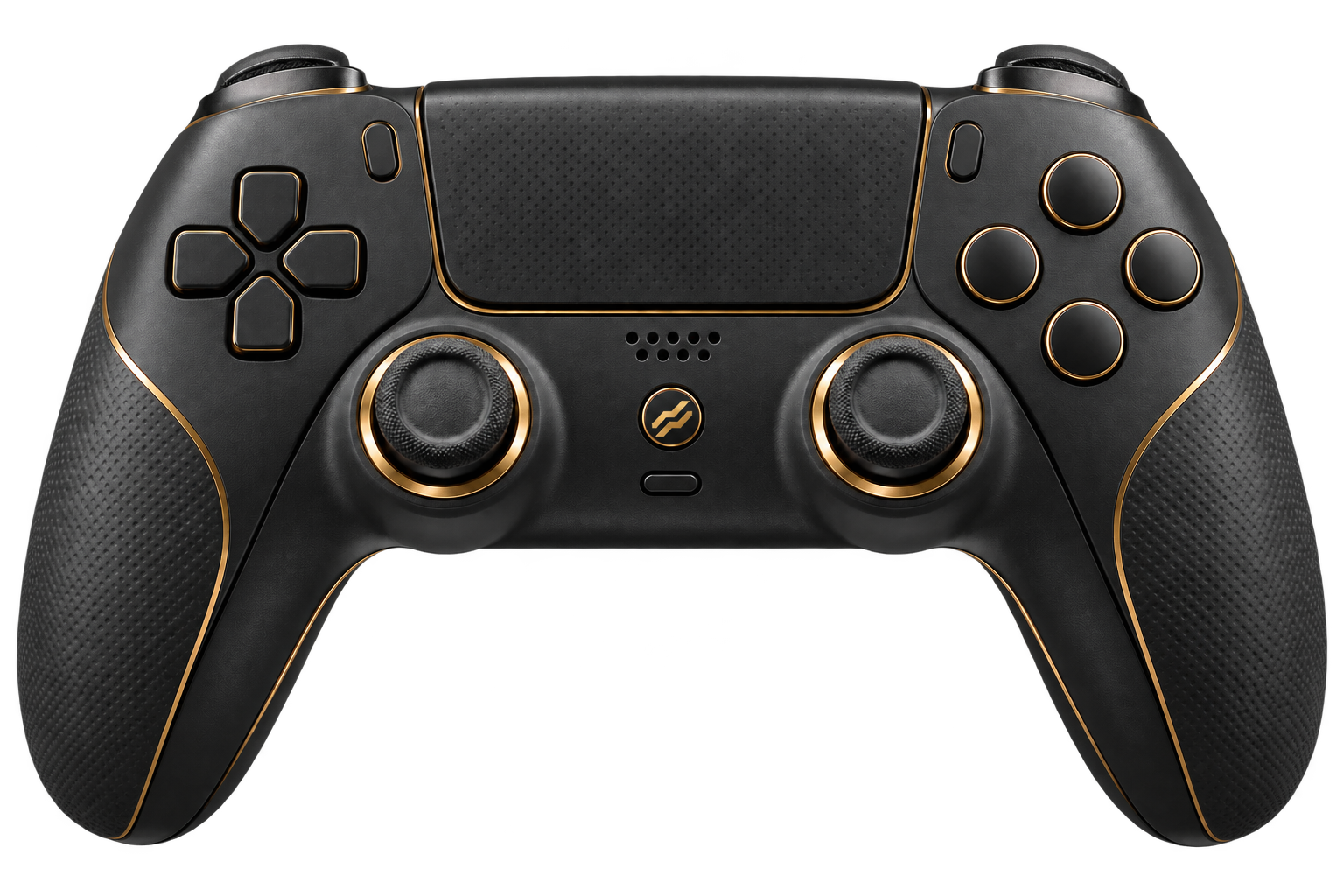
Versus Remap for Windows
The reWASD alternative. Built for every game.
Map a DualSense, Xbox pad, keyboard or mouse to a virtual Xbox or DualShock 4 controller. Add shift layers, macros and turbo, and let profiles switch on their own when a game starts.
 Windows 10 / 11DualSense, Xbox · DS4 · KB + mousePS5 and Xbox not supported
Controller remapper for PC
One app. Every input.
People look for a reWASD alternative for the same reasons: they want the controller they already own to work in a game that expects a different pad, play with a keyboard and mouse in a game that feels right on a controller, or fit more actions onto a pad than it has buttons.
Versus Remap does all three in software. Pick a physical input, assign what each button, stick or trigger should send, and Versus presents a virtual Xbox 360 or DualShock 4 controller to Windows. No adapter, no scripts to install.
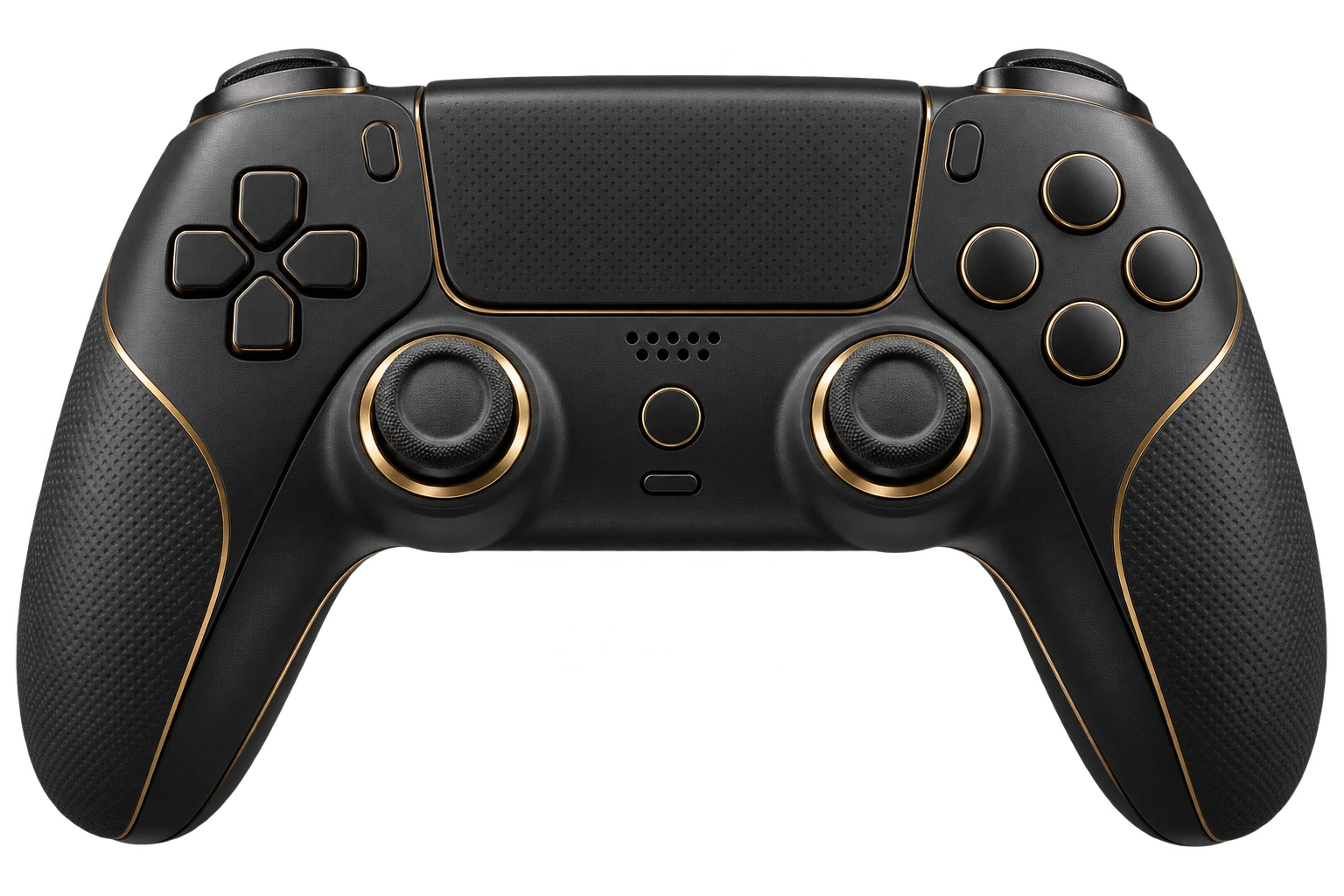
What you get
Everything reWASD users reach for.
The features people use every day, built into the Versus app.
Shift layers
Hold or toggle a button to give every control a second, third or fourth job. Main plus three layers.
Macros and turbo
Record a sequence step by step with presses, pauses and delays, or repeat a held button at your chosen rate.
Sticks and triggers
Tune dead zones and response curves, or turn a stick into four direction keys.
Quick slots
Four slots let you jump between layouts for different modes without opening the editor.
Game detection
Versus notices when a game starts and applies its profile. Detection runs locally on your PC.
Stream overlay
Every plan includes a controller overlay for OBS, so viewers see your inputs live.
Compare
Versus Remap vs reWASD, Cronus Zen and XIM.
Summary based on each product's main purpose. Check each vendor's site for current features and pricing.
| Versus Remap | reWASD | Cronus Zen | XIM Matrix | |
|---|---|---|---|---|
| Form factor | Windows software | Windows software | Hardware device | Hardware adapter |
| Built for | Windows 10 and 11 PC | Windows PC | Controller input on console | Mouse and keyboard on console |
| Best at | Shift layers, macros, turbo, quick slots and per-game profiles | Remapping and combining devices, per-game profiles | Scripts that translate inputs, large community library | Making a console see a controller from mouse and keyboard |
| Console output | No | Windows-focused | Yes, its main purpose | Yes, its main purpose |
| Extra device | No | No | Yes | Yes |
| Price shape | Plan by machine seats, stream overlay included | Software licence | One-off device cost | One-off device cost |
Want the long version? XIM, Cronus Zen and reWASD alternatives compared

Is a remapper allowed?
Straight answers. No ban promises.
Versus Remap works at the input layer. It reads the controller, keyboard and mouse connected to your PC and presents a virtual Xbox or DualShock 4 controller. It doesn't provide aim assistance.
Publishers decide how their rules treat input translation, macros and turbo, especially in competitive multiplayer. Anyone selling a remapper as "unbannable" is guessing. Check the rules for the game and mode you play.
Plans
Pick your Remap plan.
Plans differ by machine seats. Every plan includes the controller stream overlay.
Questions
reWASD alternative, good to know.
Straight answers, including what Versus can't do.
Is Versus Remap a reWASD alternative?
Yes, for most remapping jobs on Windows. Both are Windows software with per-game profiles and device remapping. Versus Remap adds four quick slots, Main plus three shift layers, macros and turbo, and every plan includes a controller stream overlay.
Is Versus Remap a Cronus Zen alternative?
For mappings, macros and shift layers on a Windows PC, yes. Cronus Zen is a hardware device aimed mainly at console input, with a much larger community script library that Versus doesn't offer.
Can I use keyboard and mouse as a controller on PC?
Yes. Keyboard and mouse work as input sources, and you map them to virtual-controller actions, so a game that expects a controller sees a virtual Xbox or DualShock 4 pad. Virtual keyboard or mouse output isn't supported in the current build.
Which controllers does Versus Remap support?
DualSense, Xbox One and Series, and DualShock 4 controllers, plus keyboard and mouse. Xbox Elite back paddles, virtual Switch Pro output and Bluetooth rumble aren't supported in this build.
Does Versus Remap work on PS5 or Xbox consoles?
No. Versus Remap runs on Windows 10 and 11. If you need console output, a hardware adapter like Cronus Zen or XIM is built for that.
Can using a controller remapper get my account banned?
No tool can honestly promise it can't. Versus Remap works at the input layer: it reads your devices and presents a virtual Xbox or DualShock 4 controller to Windows. Each publisher decides how its rules treat input translation, macros and turbo, so check the rules for the game and mode you play.
Does Versus Remap include aim assist?
No. It maps inputs and runs macros, turbo and layers. It doesn't provide aim assistance, and we don't market it for that.
How much does Versus Remap cost?
Plans differ by machine seats: Solo has 1, Duo 2, Trio 3 and Squad 4. Every plan includes the controller stream overlay. Current prices are in the pricing section.
Supported games
Set up your games.
Versus VPN and Versus Remap guides for every game we cover, on Windows 10 and 11.
 Modern Warfare 4VPN + Remap
 WarzoneVPN + Remap
 Black Ops 7VPN + Remap
 Battlefield 6VPN + Remap
 FortniteVPN + Remap
 Apex LegendsVPN + Remap
 VALORANTVPN
 Rainbow Six SiegeVPN + Remap
 Rocket LeagueVPN + Remap
 Counter-Strike 2VPN
 Overwatch 2VPN + Remap
 Marvel RivalsVPN + Remap
 ARC RaidersVPN + Remap
 League of LegendsVPN
 Dota 2VPN
Versus Remap for Windows
Map your first button today.
Install the Versus app, connect your controller and build your first profile in minutes.
Get Versus Remap Windows 10 / 11 · Account required · Cancel any time