
Versus VPN
Routes, regions and ping- Save a Black Ops 7 region of its own
- Easy Lobbies location presets and the Sweat-O-Meter
- NAT preference and server-region filter for Call of Duty
- Latency, jitter and packet loss before you connect
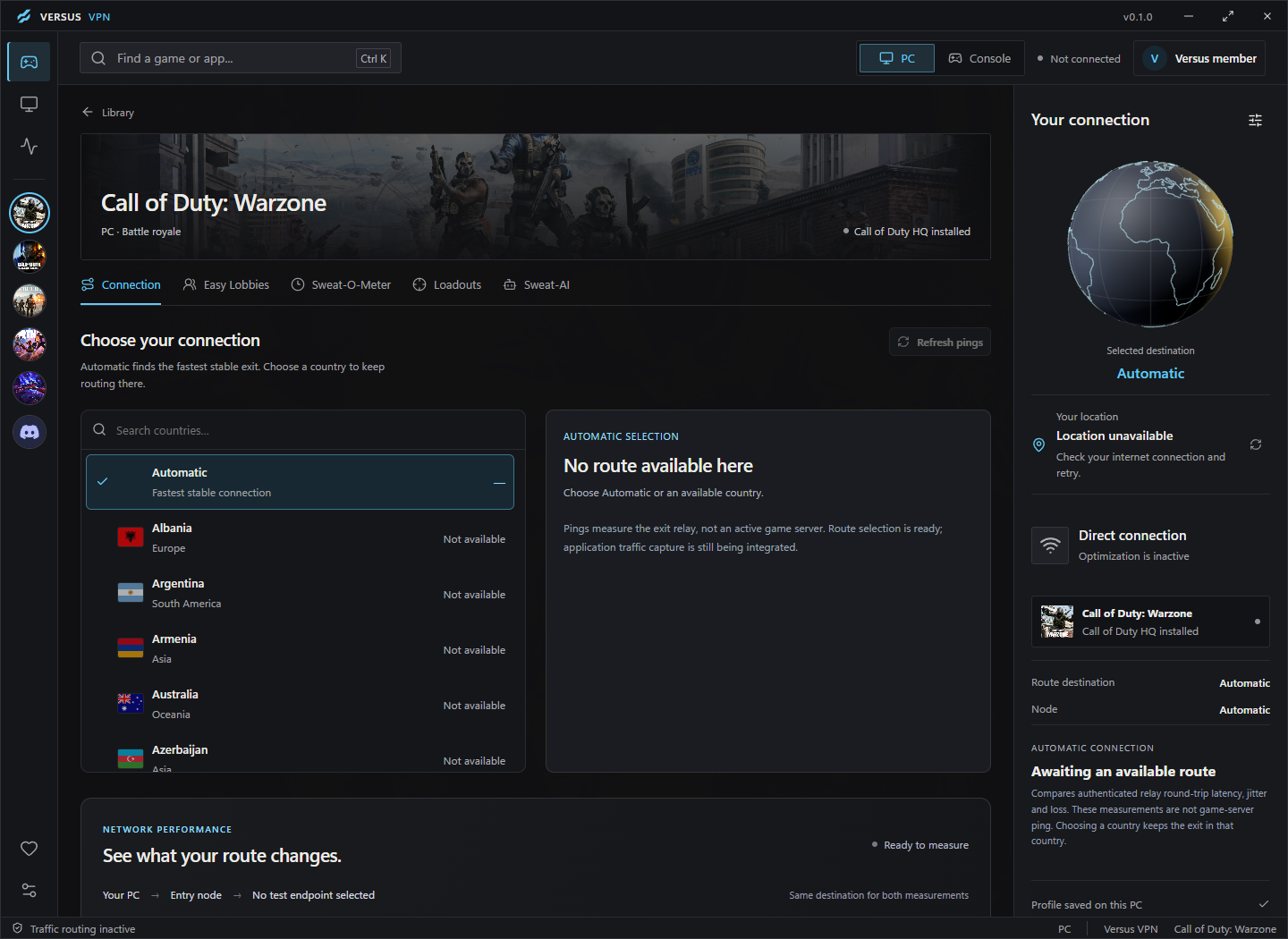

Versus VPN and Remap for Black Ops 7 on PC
Keep a Black Ops 7 region of its own, use Easy Lobbies and the Sweat-O-Meter to plan quieter sessions, and set up your controller once with Versus Remap.
 Windows 10 / 11Multiplayer FPSPC, PS5 and Xbox
Black Ops 7 artwork © Activision. Versus is not affiliated with Activision.
What works with Black Ops 7
In Versus VPN, Black Ops 7 has the full Call of Duty toolkit. Versus Remap works through a virtual controller. Here is exactly what each one does for Black Ops 7.


How it works
Every feature below is in the Windows app today. No match services, no fake promises.
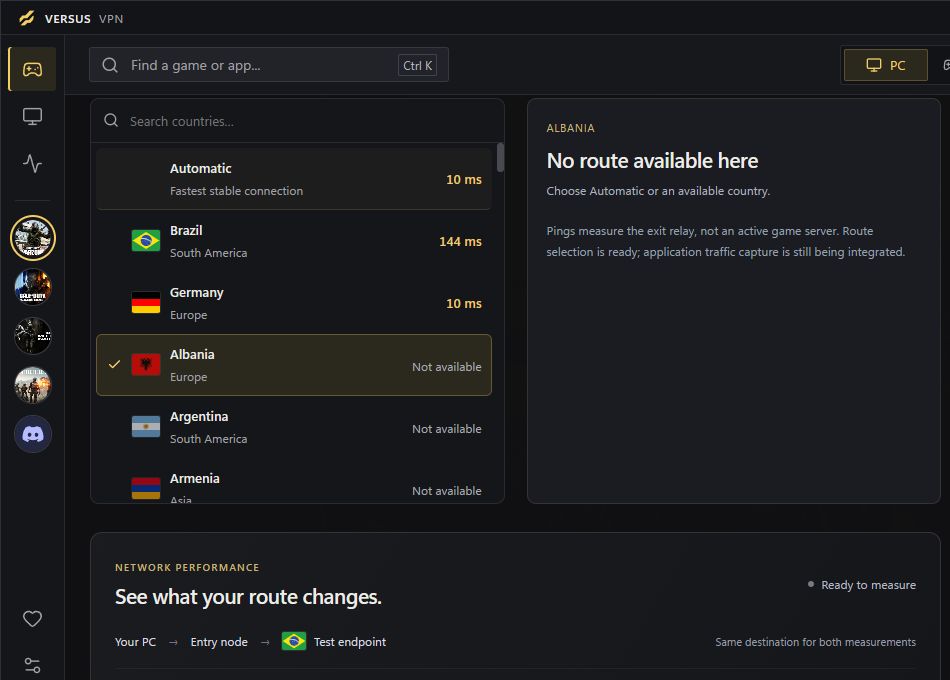
Ping Optimizer
Black Ops 7 is fast and close-range, so jitter shows up as missed trades and late hit markers. Versus VPN compares latency, jitter and packet loss across routes before you load in.
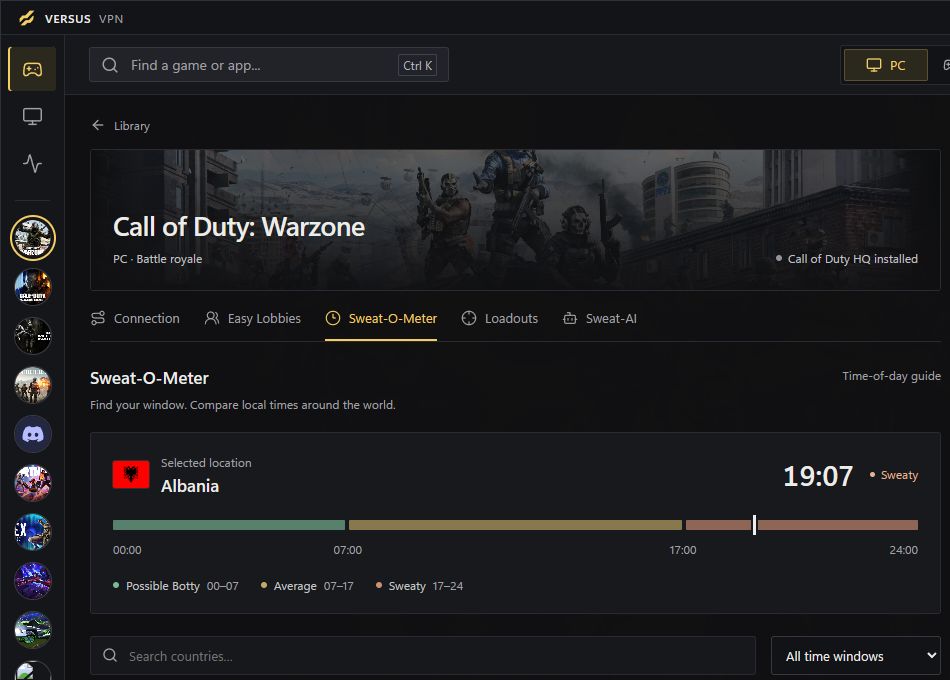
Sweat-O-Meter
Every region shows its local time and how busy it usually is, so you can see where it's early morning and where the evening grind is starting.
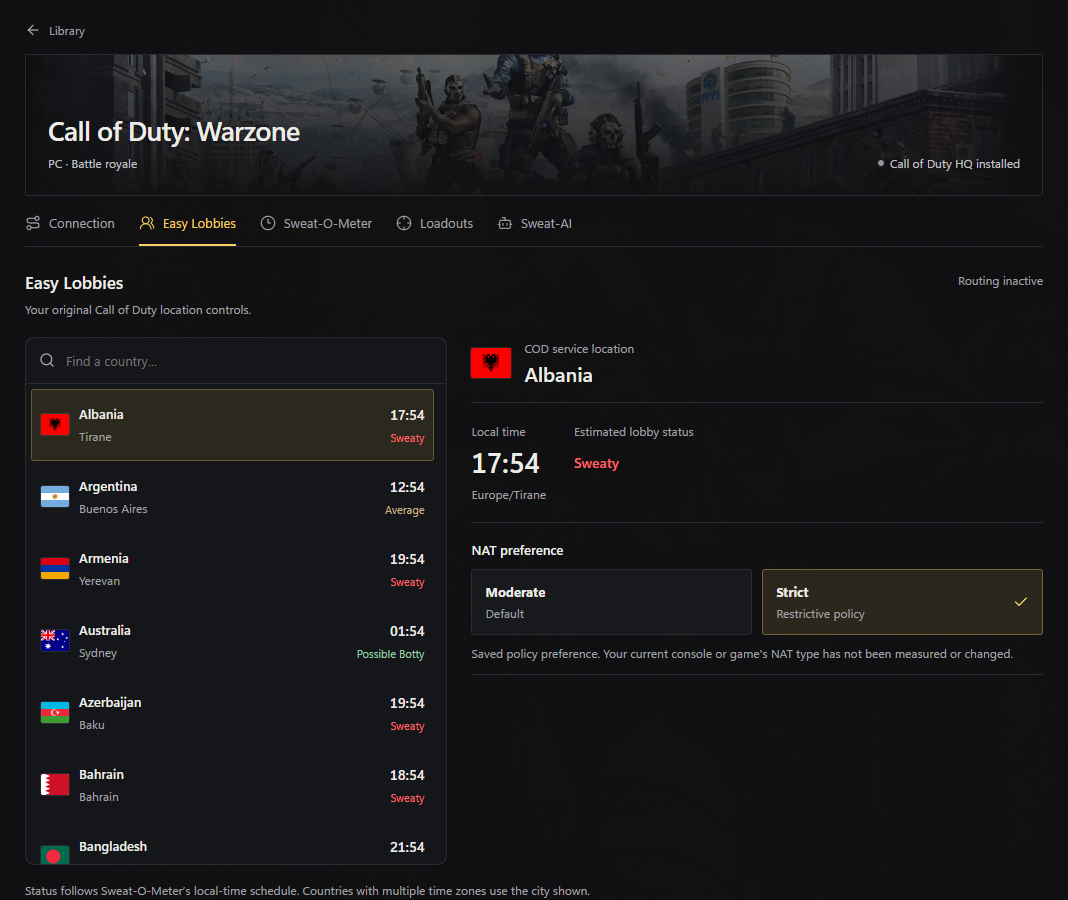
Easy Lobbies
44 location presets, a NAT preference and a server-region filter. They're only available for Warzone, Black Ops 7 and Modern Warfare 4.

Game library
Each game keeps its own route and region, so switching between Call of Duty titles never resets your setup.
Across Call of Duty
Warzone, Black Ops 7 and Modern Warfare 4 each keep their own saved region and Easy Lobbies setup.
Call of Duty easy lobbies on PC, PS5 and Xbox. Start with the Versus VPN app, add Versus DNS or Console VPN for your console, and set all of it up from one place.
Your Versus VPN plan includes the app, Versus DNS and Console VPN. No extra plans, no add-ons.
Our main app
The heart of Versus. Every lobby and connection tool on your PC, and the place you set up all three options.
One DNS setting on your console. Nothing to install on it, no cable, no second device.
Windows PCYour console plugs into a Windows PC, and the Versus VPN app routes Call of Duty through the region you choose.
All three cover Warzone, Black Ops 7 and Modern Warfare 4. Black Ops 7 included.
Same lobbies, same subscription, different hardware. Pick what matches your desk or the space under your TV.
Our main app
No download and no cable. You get your Versus DNS address after checkout, then change one setting on your console.
Go to Settings, then Network, then Settings.
Choose Set Up Internet Connection, highlight your network and press Options, then Advanced Settings.
Set DNS Settings to Manual.
Type the Primary DNS address you get with Versus DNS, then press OK.
Let the PS5 test the connection and start the game again.
Go to Settings, then General, then Network settings.
Choose Advanced settings, then DNS settings.
Pick Manual.
Type the Primary DNS address you get with Versus DNS.
Let the Xbox test the connection and start the game again.
Versus Remap for Black Ops 7
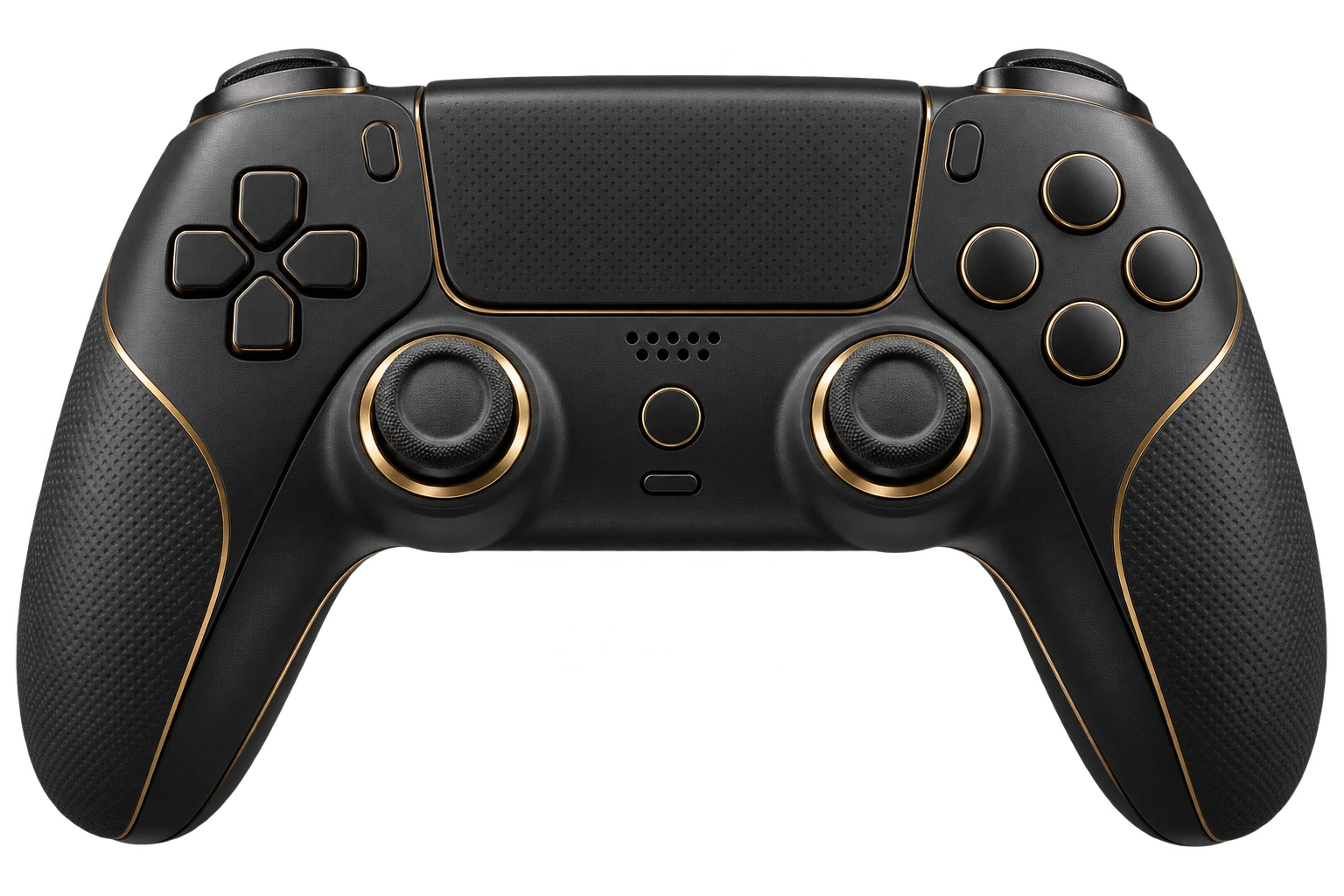
Versus Remap presents a virtual Xbox or DualShock 4 controller to Windows, so Black Ops 7 sees a normal pad. Feed it from a keyboard and mouse, a DualSense or an Xbox controller, then build the layout once: shift layers for a second set of binds, turbo and macros, and custom stick curves and dead zones.
Profiles switch automatically when Black Ops 7 starts, and four quick slots let you keep one layout per mode. It's the same idea as reWASD, built into the Versus app. Compare it with reWASD
Heads-up: Black Ops 7 matches keyboard-and-mouse players and controller players differently. Using a keyboard and mouse as a virtual controller can break the game's rules, so check the publisher's current policy before you play ranked.
Plans
One Versus VPN plan covers PC, PS5 and Xbox: the app, Versus DNS and Console VPN, all included.
Questions
Straight answers, including what Versus can't do.
Yes. Call of Duty: Black Ops 7 has its own profile in the Versus VPN game library, with a saved route and region.
Versus helps you plan easier lobbies. Easy Lobbies presets, the Sweat-O-Meter and region choice change which pool you queue in and when. Nothing can switch SBMM off or guarantee a lobby, and anyone who promises that is selling you something. How bot lobbies work.
Yes. Call of Duty uses skill-based matchmaking alongside connection quality. A VPN doesn't remove SBMM, but region and time of day change who you're matched with. SBMM explained.
Sometimes. A better route can help when your normal path is congested or unstable, and a far-away region will add latency. Versus VPN shows latency, jitter and packet loss before you connect, so you decide with real numbers.
Versus Remap can present your keyboard and mouse as a virtual Xbox or DualShock 4 controller. Check Activision's current rules first, because some games treat that as an unfair input in matchmaking.
Yes. It covers the same core jobs as reWASD: controller emulation, shift layers, macros, turbo and per-game profiles. See the comparison.
Versus VPN changes your network route and doesn't modify Black Ops 7's files, memory or inputs. Publishers decide how their rules apply to VPNs and remappers, so check Activision's current terms for the mode you play. We won't promise anything is "unbannable".
Yes, and it's all in the same Versus VPN subscription. The Versus VPN app is for PC. Versus DNS needs only one DNS setting on your console and no PC, set up in the app or your Versus dashboard. Versus Console VPN routes your console through a Windows PC with an ethernet cable. Compare the three setups.
Supported games
Versus VPN and Versus Remap guides for every game we cover, on Windows 10 and 11.
 Modern Warfare 4VPN + Remap
 WarzoneVPN + RemapBlack Ops 7VPN + Remap
 Battlefield 6VPN + Remap
 FortniteVPN + Remap
 Apex LegendsVPN + Remap
 VALORANTVPN
 Rainbow Six SiegeVPN + Remap
 Rocket LeagueVPN + Remap
 Counter-Strike 2VPN
 Overwatch 2VPN + Remap
 Marvel RivalsVPN + Remap
 ARC RaidersVPN + Remap
 League of LegendsVPN
 Dota 2VPN
Black Ops 7 on PC
Set up Black Ops 7 once in Versus and keep it ready for every session.
Get Versus Windows 10 / 11 · Account required · Cancel any time