
Versus VPN
Routes, regions and ping- Add Marvel Rivals from its .exe as a custom game
- Saved route and region for that game
- Latency, jitter and packet loss before you connect
- A measured backup route in the same country
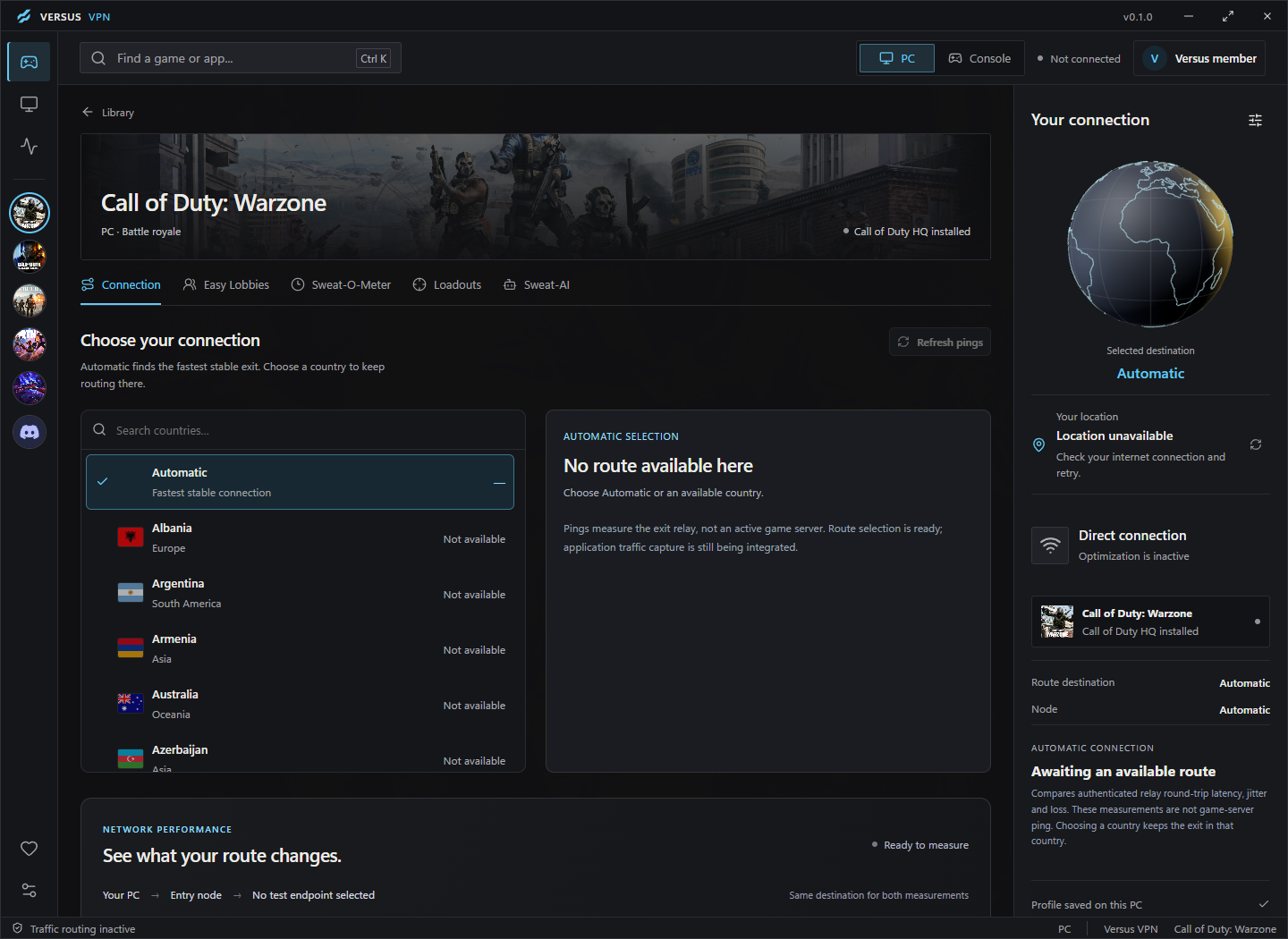

Versus VPN and Remap for Marvel Rivals on PC
Add Marvel Rivals as a custom game to save its own route in Versus VPN, and play with any controller through Versus Remap.
 Windows 10 / 11Hero shooterPS5 and Xbox not supported
Marvel Rivals artwork © NetEase Games. Versus is not affiliated with NetEase Games.
What works with Marvel Rivals
In Versus VPN, Marvel Rivals works as a custom game. Versus Remap works through a virtual controller. Here is exactly what each one does for Marvel Rivals.


How it works
Every feature below is in the Windows app today. No match services, no fake promises.
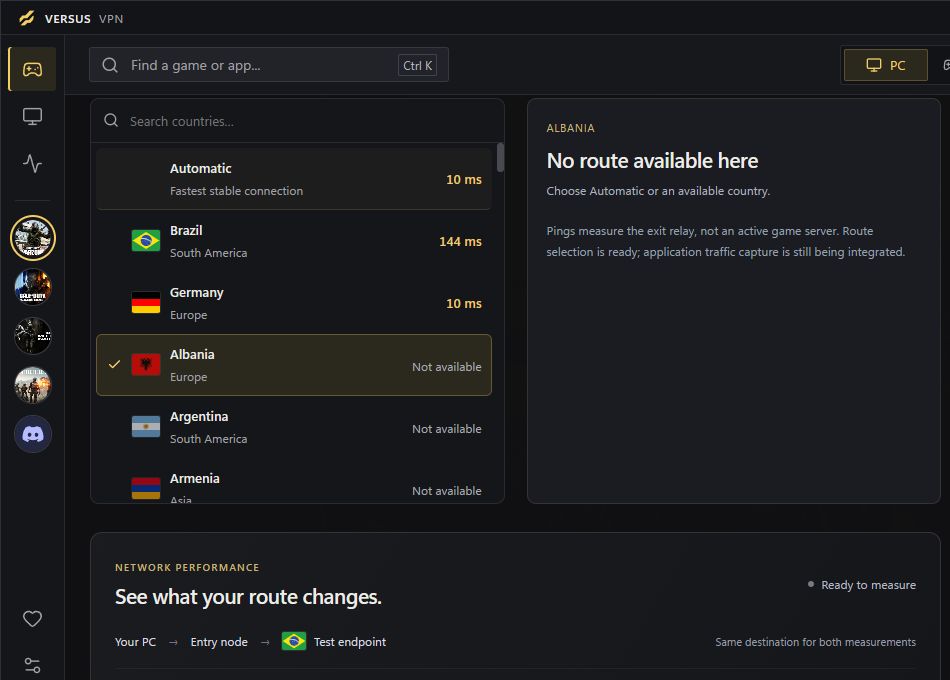
Ping Optimizer
Marvel Rivals fights are chaotic and long, so packet loss shows up fast. Versus VPN measures each route's latency, jitter and packet loss before you queue.

Game library
Marvel Rivals keeps its own route and region, and Versus applies it when the game starts, so you never set it up twice.
Marvel Rivals runs through the Versus VPN app on Windows. The same plan also covers Call of Duty on PS5 and Xbox with Versus DNS or Console VPN.
The app, Versus DNS and Console VPN, with no extra plans or add-ons.
Versus Remap for Marvel Rivals
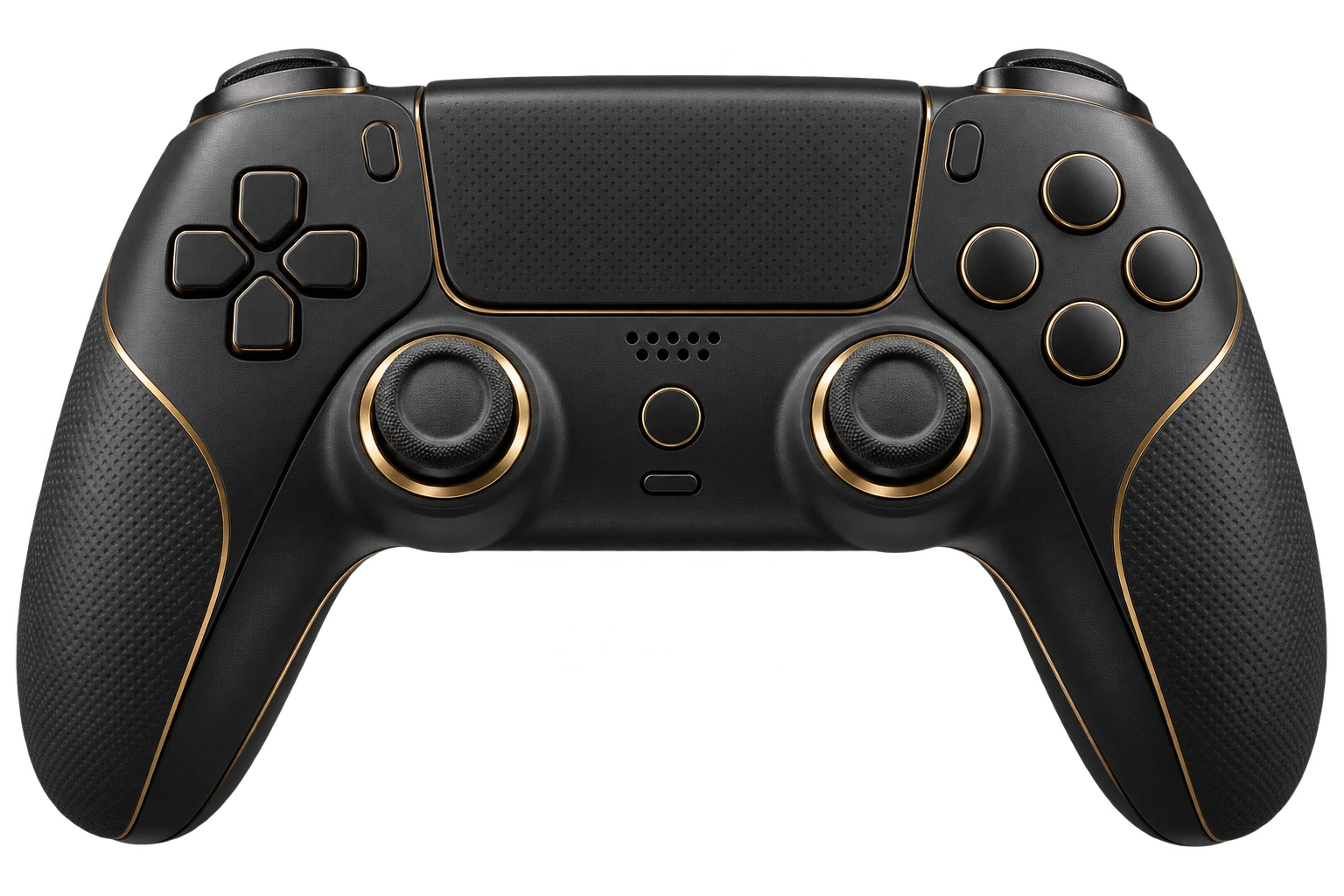
Versus Remap presents a virtual Xbox or DualShock 4 controller to Windows, so Marvel Rivals sees a normal pad. Feed it from a keyboard and mouse, a DualSense or an Xbox controller, then build the layout once: shift layers for a second set of binds, turbo and macros, and custom stick curves and dead zones.
Profiles switch automatically when Marvel Rivals starts, and four quick slots let you keep one layout per mode. It's the same idea as reWASD, built into the Versus app. Compare it with reWASD
Each publisher's rules still apply. Check Marvel Rivals's current policy on input devices before you play ranked.
Plans
One plan covers every supported game. Choose the term that suits you.
Questions
Straight answers, including what Versus can't do.
Yes, as a custom game. Marvel Rivals isn't in the built-in library yet, so you add it from its .exe and it gets its own saved route and region like any other game.
A VPN can change which region you play in, and that changes who is online at that moment. It can't turn off Marvel Rivals's matchmaking or promise easier opponents. Easy Lobbies presets are a Call of Duty feature.
Sometimes. A better route can help when your normal path is congested or unstable, and a far-away region will add latency. Versus VPN shows latency, jitter and packet loss before you connect, so you decide with real numbers.
Versus Remap can present your keyboard and mouse as a virtual Xbox or DualShock 4 controller. Check NetEase Games's current rules first, because some games treat that as an unfair input in matchmaking.
Yes. It covers the same core jobs as reWASD: controller emulation, shift layers, macros, turbo and per-game profiles. See the comparison.
Versus VPN changes your network route and doesn't modify Marvel Rivals's files, memory or inputs. Publishers decide how their rules apply to VPNs and remappers, so check NetEase Games's current terms for the mode you play. We won't promise anything is "unbannable".
Not for this game. Versus apps run on Windows 10 and 11. Console options are available for Call of Duty only.
Supported games
Versus VPN and Versus Remap guides for every game we cover, on Windows 10 and 11.
 Modern Warfare 4VPN + Remap
 WarzoneVPN + Remap
 Black Ops 7VPN + Remap
 Battlefield 6VPN + Remap
 FortniteVPN + Remap
 Apex LegendsVPN + Remap
 VALORANTVPN
 Rainbow Six SiegeVPN + Remap
 Rocket LeagueVPN + Remap
 Counter-Strike 2VPN
 Overwatch 2VPN + RemapMarvel RivalsVPN + Remap
 ARC RaidersVPN + Remap
 League of LegendsVPN
 Dota 2VPN
Marvel Rivals on PC
Set up Marvel Rivals once in Versus and keep it ready for every session.
Get Versus Windows 10 / 11 · Account required · Cancel any time