Skip to content

Versus VPN guide

Battlefield 6 VPN. Steadier big-server fights.

Battlefield 6 servers carry a lot of players and destruction, and packet loss shows up before ping does. Here's how to keep your route steady.

Windows 10 / 11One subscription

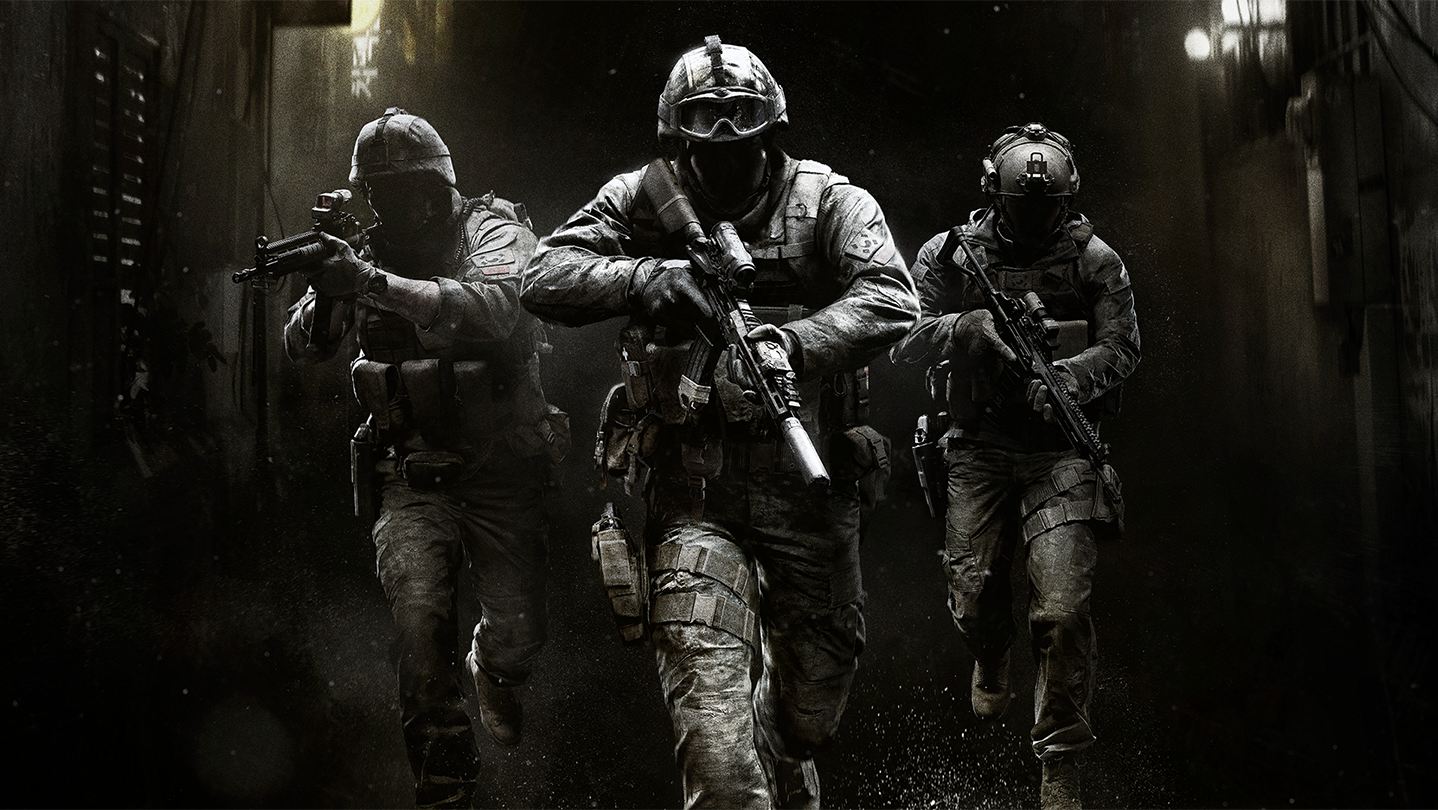
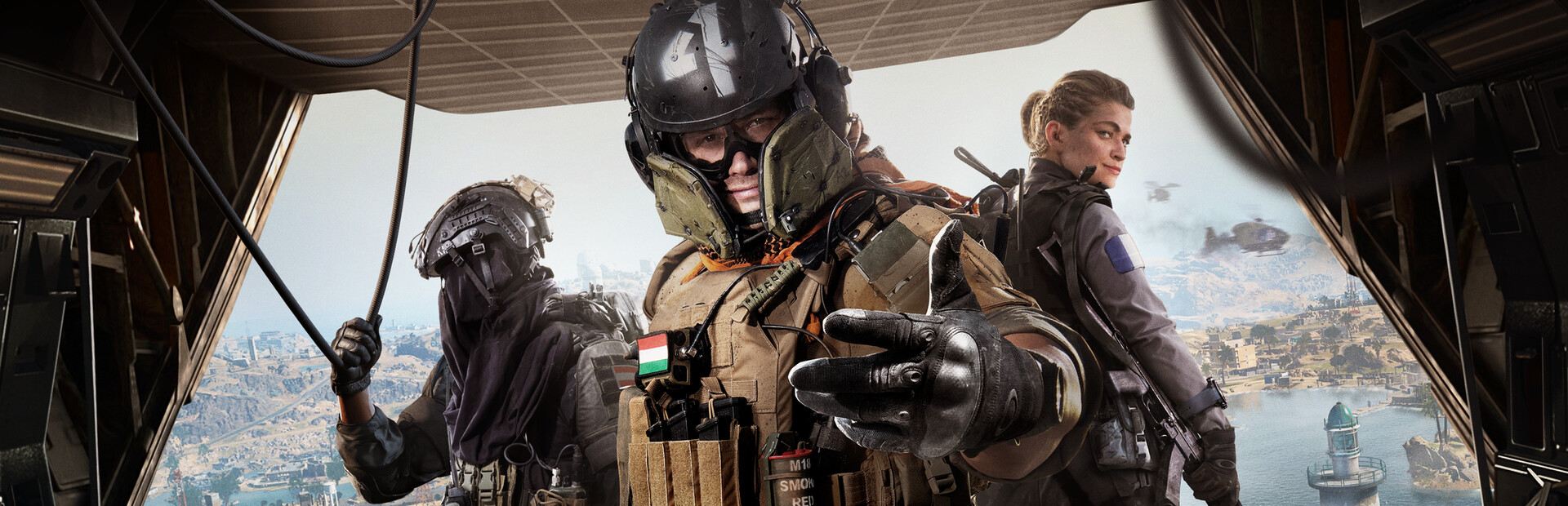
Battlefield 6 artwork © Electronic Arts. Versus is not affiliated with Electronic Arts.

How to test a route for Battlefield 6.

Practical steps that work on your own connection. Measure first, change one thing at a time, and keep what's actually better.

Why packet loss matters more than ping here

On a large map, a steady 70 ms connection plays better than a 40 ms one that drops packets during a firefight, because lost packets are what produce the feeling of dying behind cover. Measure loss and jitter first, then look at ping.
Choose a region deliberately

Battlefield's server browser and matchmaking both depend on region. Pick the one you normally play in, record your figures over a few matches, and only then try an alternative. A distant region can be quieter and still give you a worse experience.

Test the route, not the queue

Queue times change with region and hour, so compare like with like: same mode, same hour, similar queue. If a test session involves waiting four minutes for a match, you have changed two variables and learned nothing about your connection.

Keep the result

Once a region and route give you a stable session, save it against the game so you are not re-testing from scratch next week. Versus keeps the preference with the game rather than with your account, so other titles stay as you left them.

One subscription for every game.

Battlefield 6 runs through the Versus VPN app on Windows. The same plan also covers Call of Duty on PS5 and Xbox with Versus DNS or Console VPN.

One Versus VPN plan. Every setup included.

The app, Versus DNS and Console VPN, with no extra plans or add-ons.

See the setups

Inside the app

The tools behind every reading.

Route readings, regions and per-game profiles in the Versus VPN app on Windows.

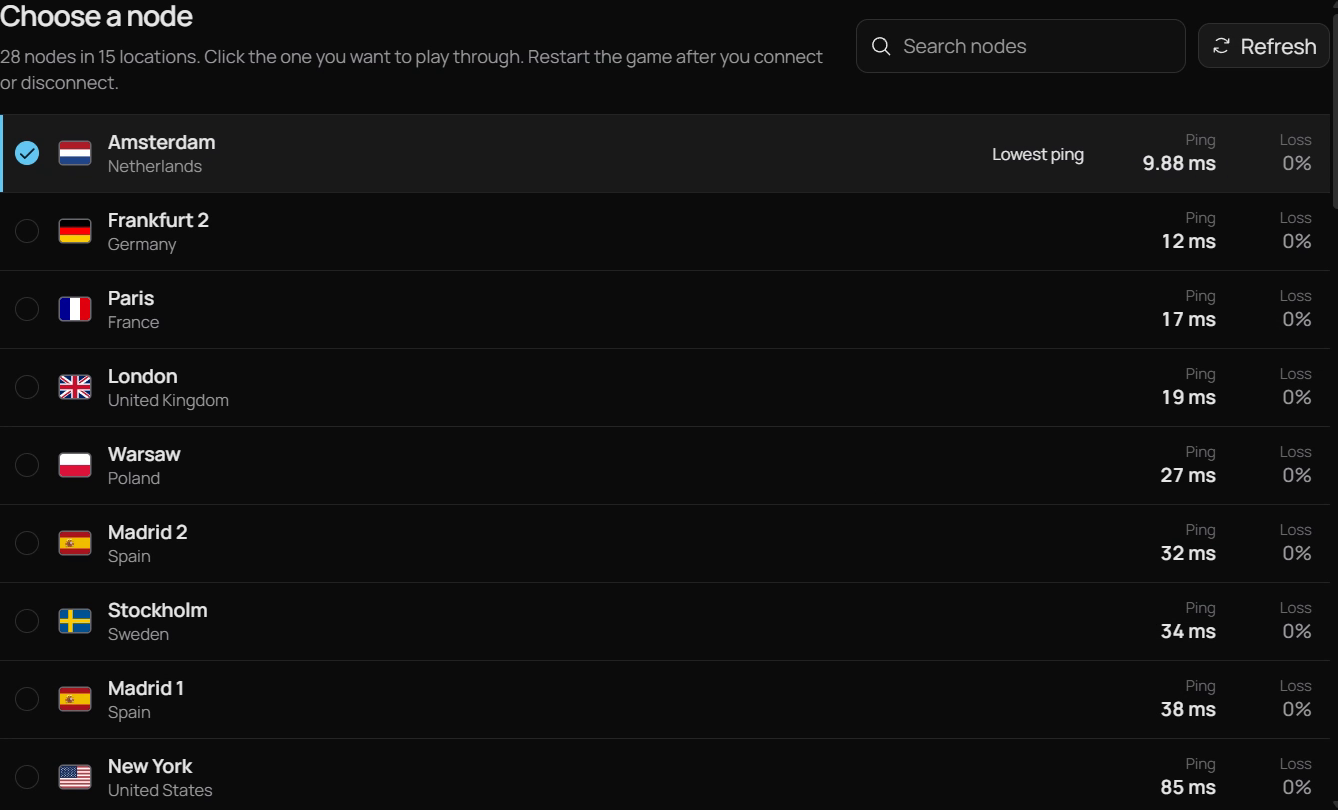
Versus VPN node list with ping and loss for each location

Ping Boost

Read the route before Battlefield 6 does.

Big Battlefield servers punish packet loss before they punish ping. A steady 70 ms often plays better than a 40 ms route that drops packets in a firefight, so Versus VPN shows all three readings for each route.

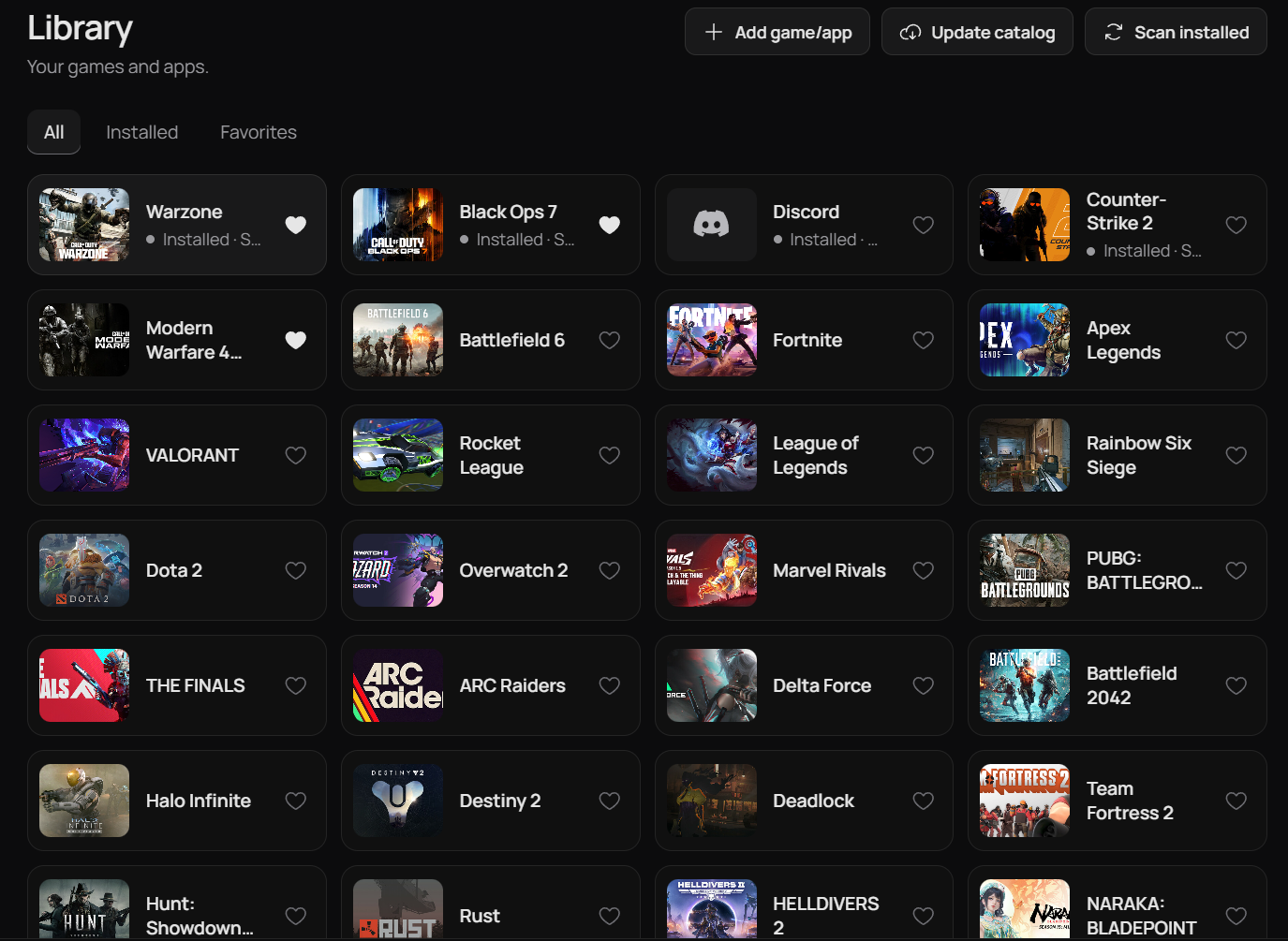
Versus VPN game library

Game library

A saved route just for Battlefield 6.

Battlefield 6 keeps its own route and region, and Versus applies it when the game starts, so you never set it up twice.

Plans

Get Versus VPN.

One Versus VPN plan covers every supported game, plus Versus DNS and Console VPN for Call of Duty on PS5 and Xbox.

Loading current plans…

Questions

Battlefield 6, good to know.

Straight answers, including what Versus can't do.

Does a VPN reduce ping in Battlefield 6?

It can, if your normal route to the server is poor. It frequently does not, and it can increase ping by adding a hop. There is no promised reduction.

Will a VPN fix rubber-banding in Battlefield 6?

If the rubber-banding comes from packet loss on the route, a different path may avoid it. If it comes from your own network or from the server being overloaded, no route change will help.

Is it worth using a VPN on a 128-player server?

Only if measurement shows your route is the problem. On crowded servers, adding latency usually costs more than it gains.

Does Versus work for Battlefield 6 on PS5 or Xbox?

No. Battlefield 6 uses the Versus VPN app on Windows. Versus DNS and Versus Console VPN are for Call of Duty: Warzone, Black Ops 7 and Modern Warfare 4, and they come with the same Versus VPN subscription.

Versus VPN for Windows

Measure it.
Then keep it.

Set up Versus VPN once and keep your routes ready for every session.

Get Versus VPN Windows 10 / 11 · Account required · Cancel any time