
Call of Duty: Warzone
Battle royale
Official partnerSweatVPN
Find a better route to your next session. Smart route selection, Call of Duty tools and your game library in one Windows app.
 Windows 10 / 11 Solo, Duo & Squad
 VERSUS VPNVERSUS WINDOWS APP
Official partnerSweatVPN
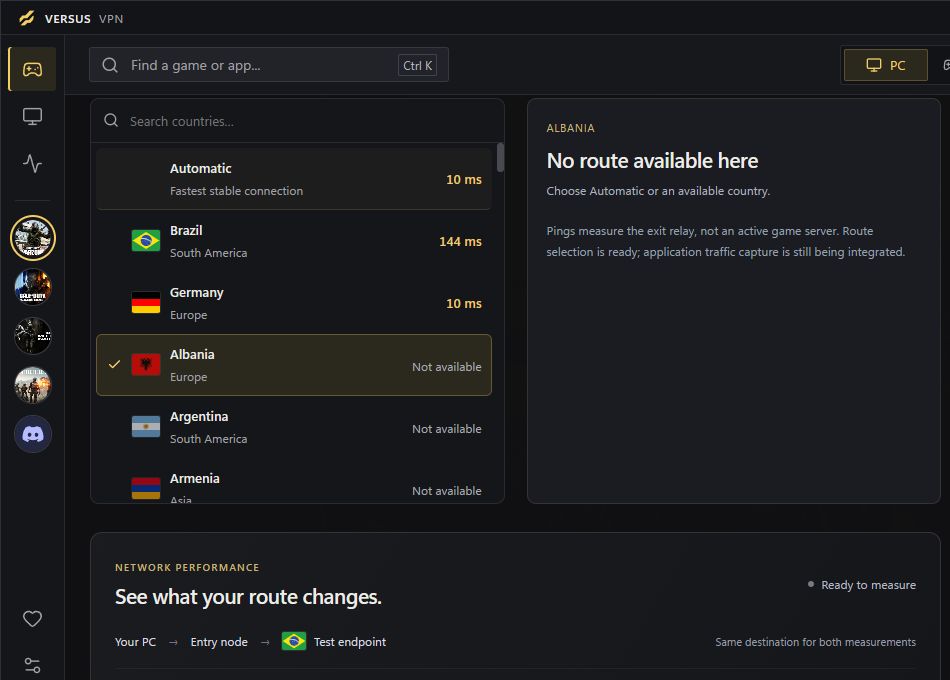
Look beyond a single ping number. Compare relay latency, consistency and loss, then keep a route preference for each game.
Route measurements are relay tests, not in-game benchmarks. Compare your own in-game results before and after.
Official partnerSweatVPN
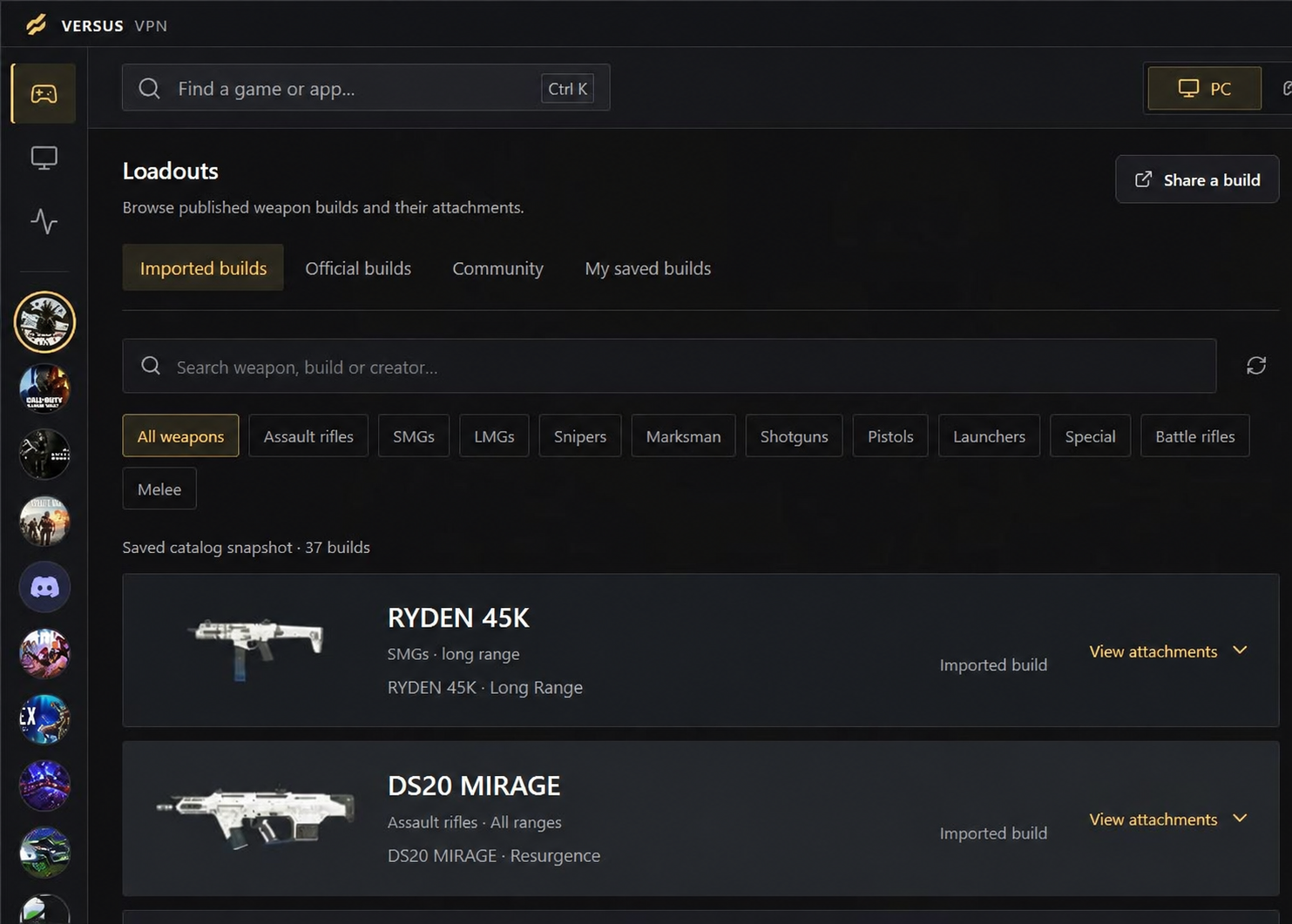
Weapon categories, attachment builds and personal loadouts. Put your Call of Duty preparation beside the connection tools you use.
Actual development app. Published and personal builds are identified in the library.
Lower ping starts with finding a better path.
Your closest location is not always your best connection. Versus compares available relay routes using latency, jitter and packet loss, then ranks the eligible options for your chosen country.
See the connection controlsRelay tests do not establish in-game improvements. Compare your own results before and after.
Illustrative comparison · simulated data, not a Versus benchmark.
In this example, an alternative path avoids congestion. A real result depends on your ISP, location and game server.

Playing Warzone or Modern Warfare 4 (2026)? Explore locations, compare session times and prepare your next weapon build in one Call of Duty workspace.
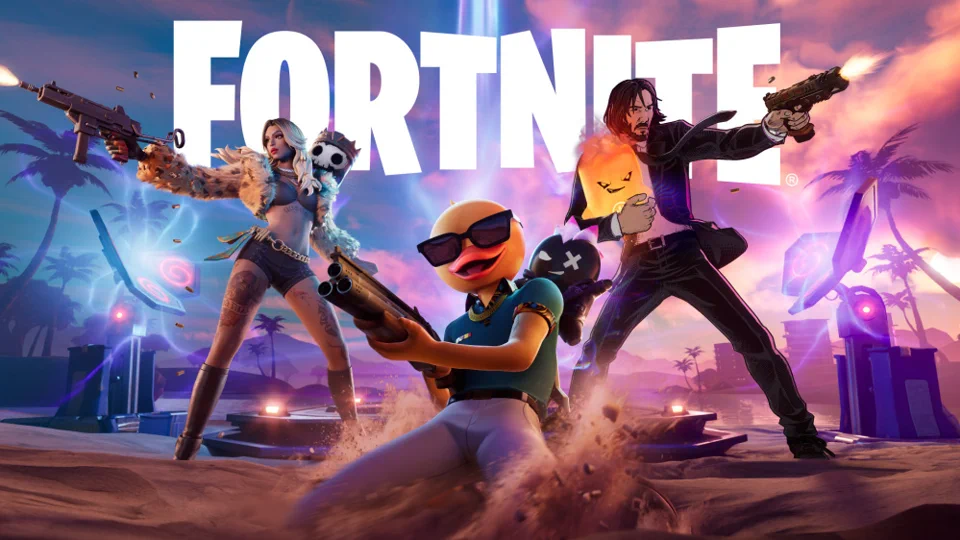
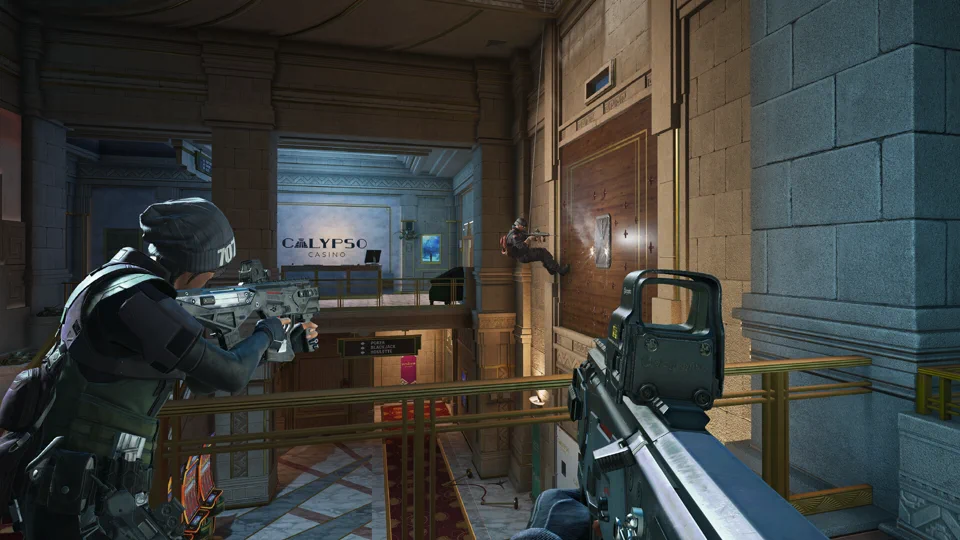
A few of the games we support. There’s more beyond this selection.
Battle royale

Multiplayer

Multiplayer · Beta

First-person shooter
Battle royale

Battle royale

Tactical shooter

Sports & racing

MOBA
Tactical shooter
MOBA
No matches in this featured selection. Try another title or clear your filter.
Featured games shown: 11
 Discord
Keep voice chat in its own app profile. Find Discord alongside your games and save its preferences separately.
See app profilesThese entries support Windows process detection and profiles. Artwork and trademarks belong to their respective owners; no affiliation implied.
Versus VPN is not endorsed by Riot Games and does not reflect the views or opinions of Riot Games or anyone officially involved in producing or managing Riot Games properties. Riot Games and all associated properties are trademarks or registered trademarks of Riot Games, Inc.
From the library to your next loadout.
Explore five parts of the actual Windows app.
Browse locations, review measured relay latency and save a route preference for each game. Connection state stays visible, including when a route is unavailable.
Relay measurements are not in-game ping. Compare your own in-game ping before and after.Explore published builds by weapon category, inspect attachments and keep personal builds on your PC. Official, community and imported builds are clearly identified.
Explore community loadouts ↗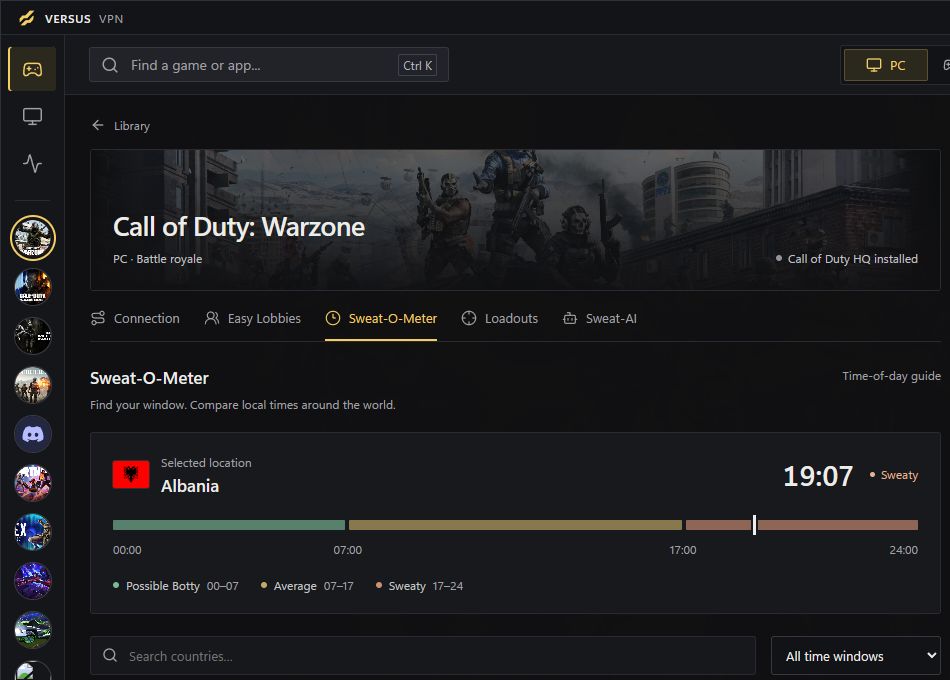
Compare local times and the built-in time-of-day guide across locations. Keep your Call of Duty location preferences alongside the schedule.
A schedule-based guide, not live lobby telemetry or a promise of easier matches.Search games and voice apps, filter installed titles and return to favourites. Each app opens its own workspace with saved connection preferences.
Browse the game catalogue ↗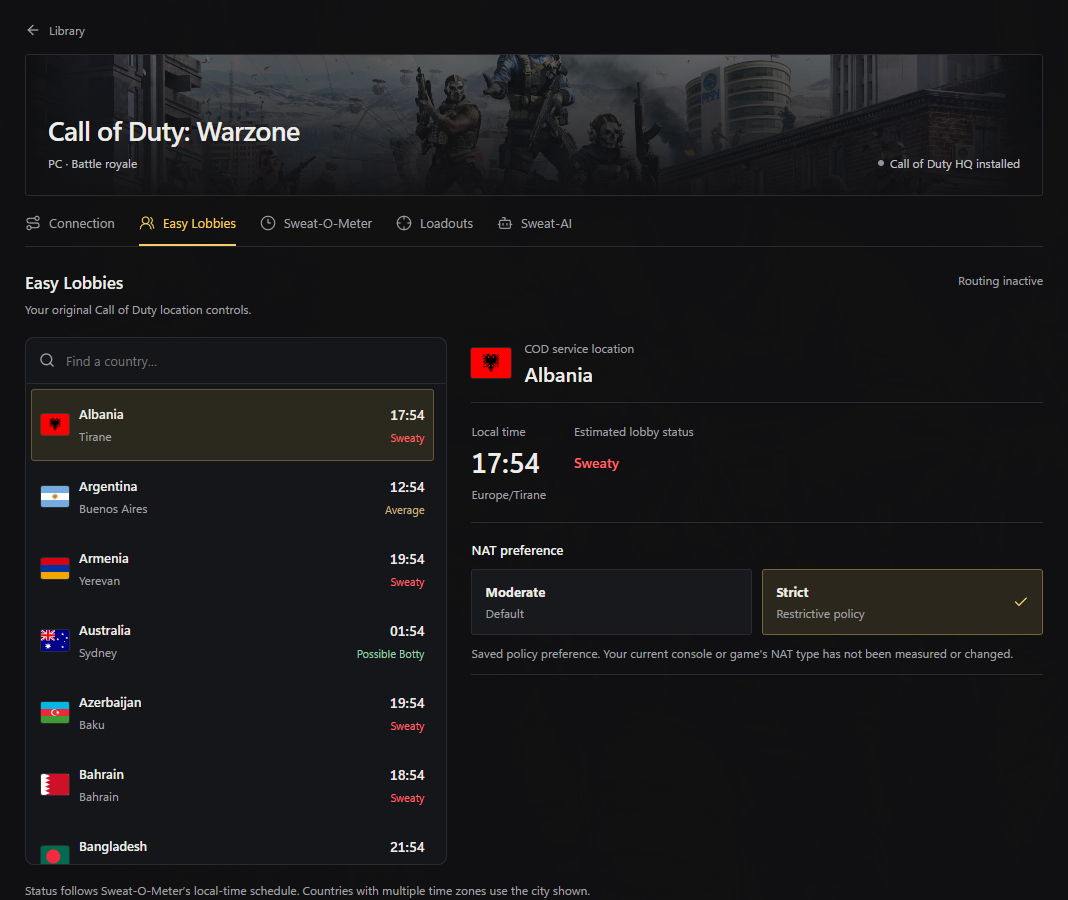
Keep your Call of Duty location and NAT preferences together, with local times beside each destination.
Saved preferences are stored per game, ready for your next session.Choose your plan and billing duration.
Loading VPN plans… View plan availability
Plans apply to the selected product. Annual prices show the monthly equivalent; the full yearly amount is shown on each card.
Already have a plan? Manage your access ↗A few things worth knowing.
Versus VPN is available for Windows 10 and 11, with the full game library, saved preferences and per-game routing. Set up Vpn
No specific reduction is promised. Results depend on your ISP, location, game server and available routes. Compare your own results before and after.
No. DNS and routing tools belong to Versus VPN. You do not need a separate Versus DNS app.
At launch, subscriptions are intended to renew for the same term unless renewal is disabled before the next charge. Multi-month prices show a monthly equivalent; the full annual amount is charged each year. Subscriptions renew for the same term unless you turn renewal off before the next charge, and you can cancel at any time from your account.
Yes. Review your product access and billing in your Versus account. The plans above show the configured durations and full prices. Your plan, renewal date and invoices are shown in your account.
The game library currently lists Call of Duty: Warzone, Call of Duty: Black Ops 7, Call of Duty: Modern Warfare 4 (2026), Battlefield 6, Fortnite, Apex Legends, VALORANT, Rocket League, League of Legends, Rainbow Six Siege and Dota 2. Each entry keeps its own saved preferences, so a setup you tested for one game does not change the others.
They solve the problem from different directions. A dedicated accelerator optimises the traffic of specific games. Versus VPN changes the route your connection takes and keeps your game profiles and routing preferences in one place. Which one helps you depends on your ISP, your location and where the game servers sit, so compare the same match before and after rather than trusting a published number.
Only if your connection gives you a reason to. Modern Warfare 4 is already in the Versus game library. If you see packet loss, jitter or unstable region matching, a different path is worth testing. Record a match you can repeat, change one thing, and compare the same scenario - that tells you more than a general recommendation.
Save routing preferences against a game so the setup you tested is the one you use next session. Profiles stay separate from your account-level settings, and you can review what changed before applying it.
Practical, measurement-first guides for the games in the Versus library.
Explore Versus VPN. Find the plan for your setup.