Latency
How long the round trip takes.Compare median relay response times.
 Versus VPN / Windows
Find your route. Keep your region. Be ready for the next session.
Compare ping, jitter and packet loss, save settings per game, and plan your next Call of Duty session in one place.
 Windows 10 / 11 Solo, Duo, Trio & Squad
 Your session starts hereVersus VPN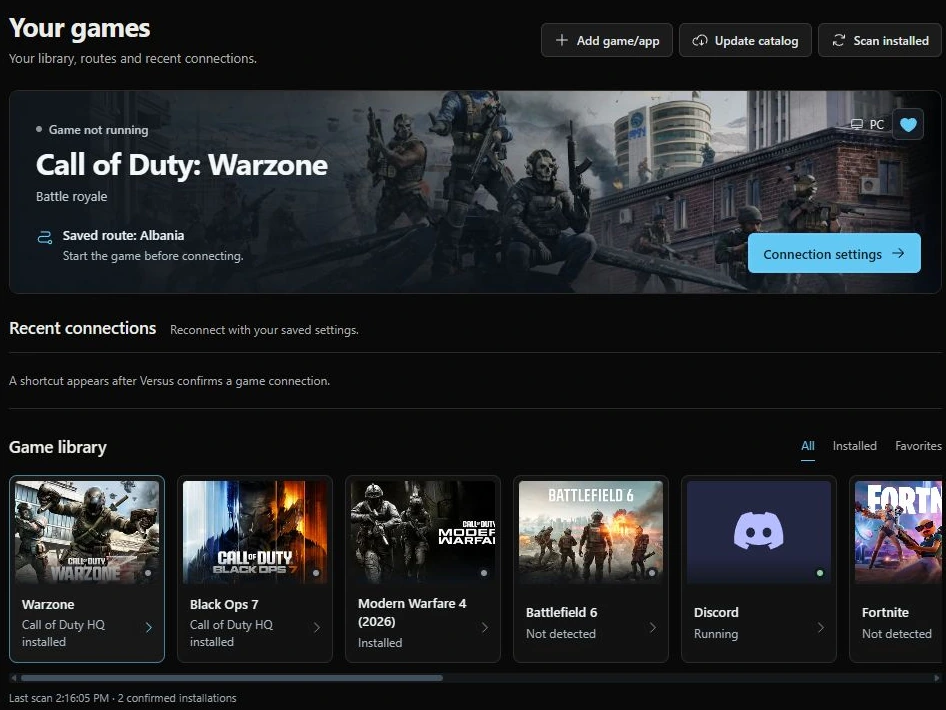
Built for your next session.
Versus × SweatVPNOfficial partnerPing Optimizer
Compare eligible routes before you connect. Read the measurements together, then choose a path for the game you want to play.
Explore route comparison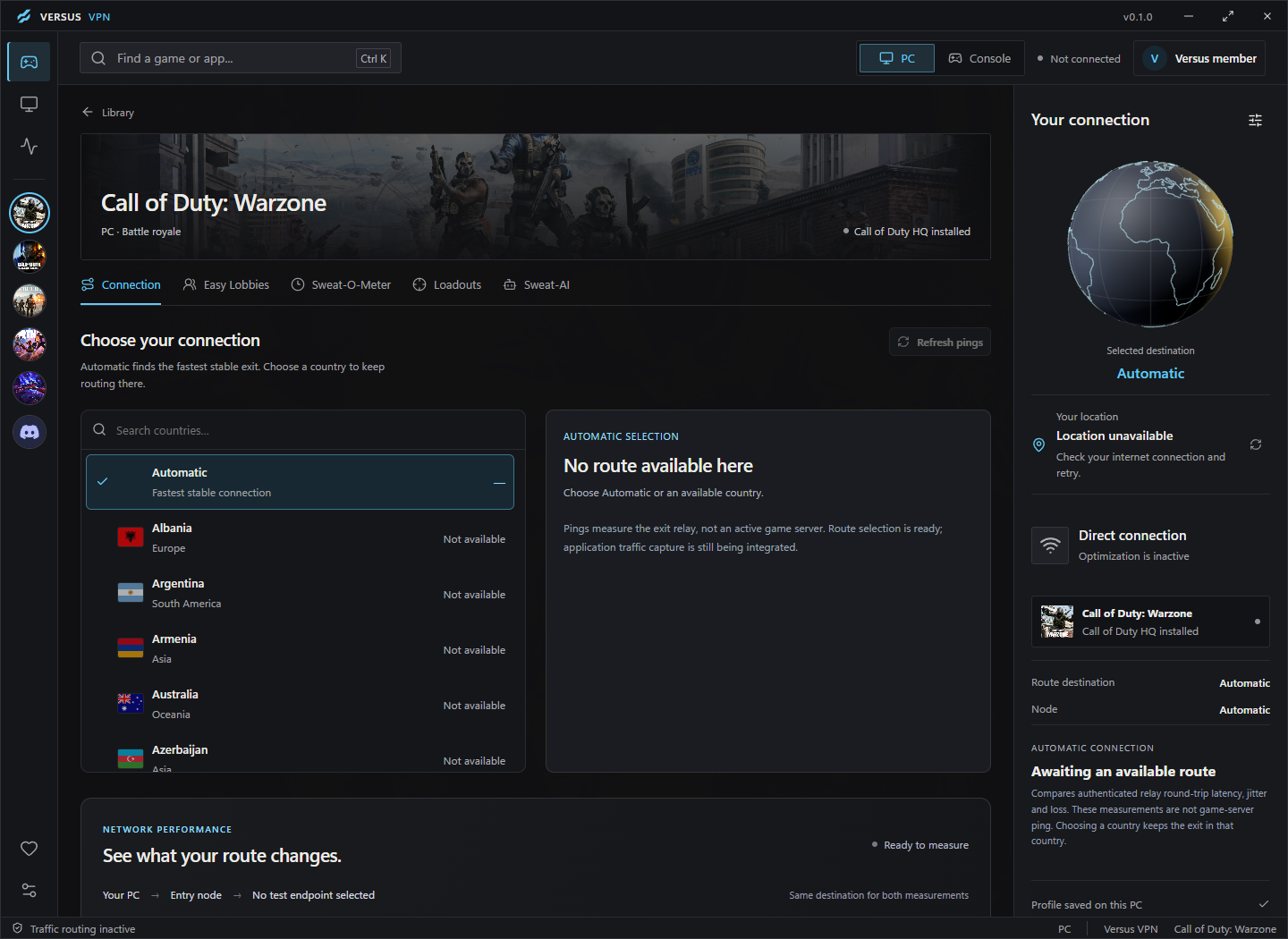
Compare median relay response times.
Check variation between measurements.
Account for missed probe responses.
Choose a measured alternative in the same country.
Call of Duty
Bring MW4 region preferences and Easy Lobbies planning together. Use the Sweat-O-Meter to compare local times before your next session.
Explore the MW4 toolkitMW4, Warzone, Black Ops 7 Matchmaking varies by game, mode, region and time. Easier matches are not guaranteed.
Call of Duty easy lobbies on PC, PS5 and Xbox. Start with the Versus VPN app, add Versus DNS or Console VPN for your console, and set all of it up from one place.
Your Versus VPN plan includes the app, Versus DNS and Console VPN. No extra plans, no add-ons.
Our main app
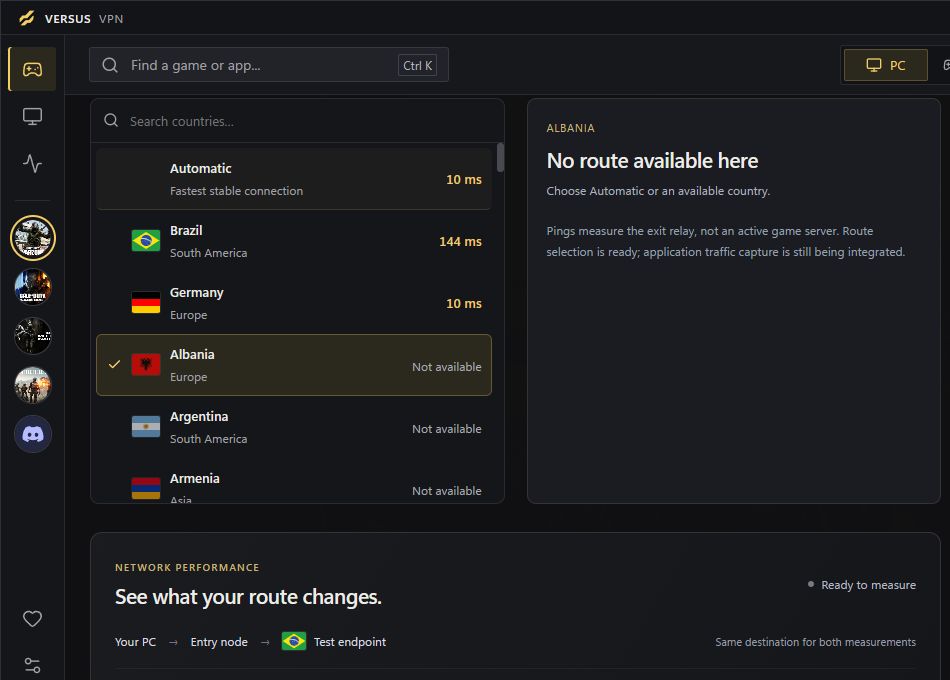
The heart of Versus. Every lobby and connection tool on your PC, and the place you set up all three options.

One DNS setting on your console. Nothing to install on it, no cable, no second device.
Windows PCYour console plugs into a Windows PC, and the Versus VPN app routes Call of Duty through the region you choose.
All three cover Warzone, Black Ops 7 and Modern Warfare 4. Other games use the Versus VPN app on Windows. See the MW4 bot lobbies guide
Same lobbies, same subscription, different hardware. Pick what matches your desk or the space under your TV.
Our main app
No download and no cable. You get your Versus DNS address after checkout, then change one setting on your console.
Go to Settings, then Network, then Settings.
Choose Set Up Internet Connection, highlight your network and press Options, then Advanced Settings.
Set DNS Settings to Manual.
Type the Primary DNS address you get with Versus DNS, then press OK.
Let the PS5 test the connection and start the game again.
Go to Settings, then General, then Network settings.
Choose Advanced settings, then DNS settings.
Pick Manual.
Type the Primary DNS address you get with Versus DNS.
Let the Xbox test the connection and start the game again.
Inside the Windows app
A searchable game library, connection readings and personal weapon builds. Take a closer look.
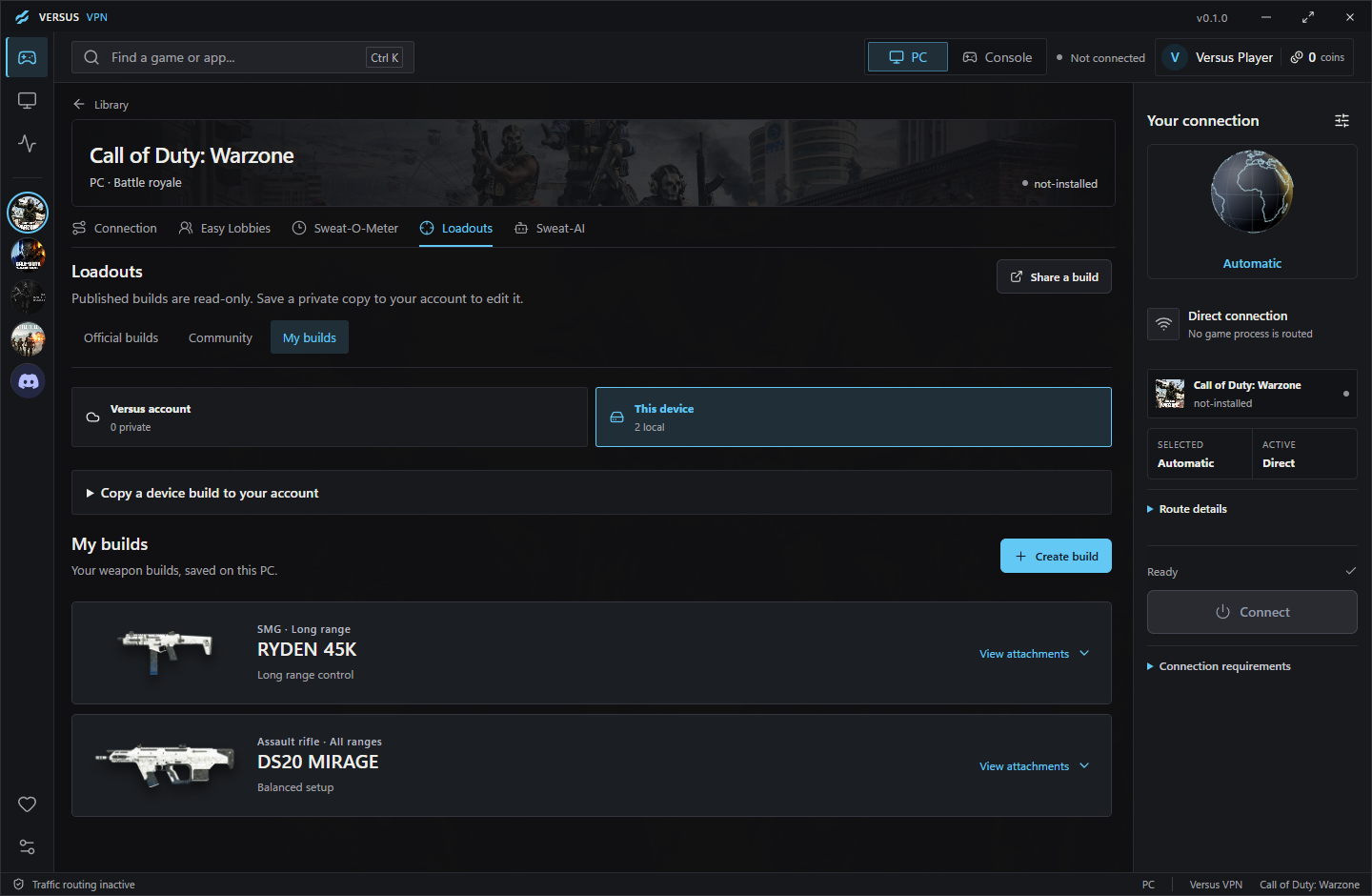
From solo sessions to the whole squad. Choose the plan that fits.
Every Versus VPN plan includes the Versus VPN app, Versus DNS and Versus Console VPN. There are no separate plans or add-ons.
Before you queue
No. Comparing routes can help identify a better path when your usual route is congested or unstable. A different route can also add latency. Compare the readings for your connection before choosing.
Latency, jitter and packet loss across eligible relay routes, with a measured backup option where available.
No. It brings region choice and the Sweat-O-Meter time-of-day guide together for planning. Matchmaking still depends on the game, mode, region and time.
Yes, and it's all in the same Versus VPN subscription. The Versus VPN app is for PC. Versus DNS needs only one DNS setting on your console and no PC, set up in the app or your Versus dashboard. Versus Console VPN routes your console through a Windows PC with an ethernet cable. Other games use the Versus VPN app on Windows. Compare the three setups.
Yes. Supported games and custom executables keep their own saved connection preferences.
Your plan, invoices and available billing controls are in your Versus account.
Make the next session yours
Get Versus VPN for Windows and keep your connection tools together.
Get Versus VPNWindows 10 and 11. Account required.