Versus Remap for Windows

Map your controls.

Reassign controller, keyboard, and mouse inputs, build Main and Shift layers, and keep a setup for each game.

Windows 10 and 11, supported inputs vary by device

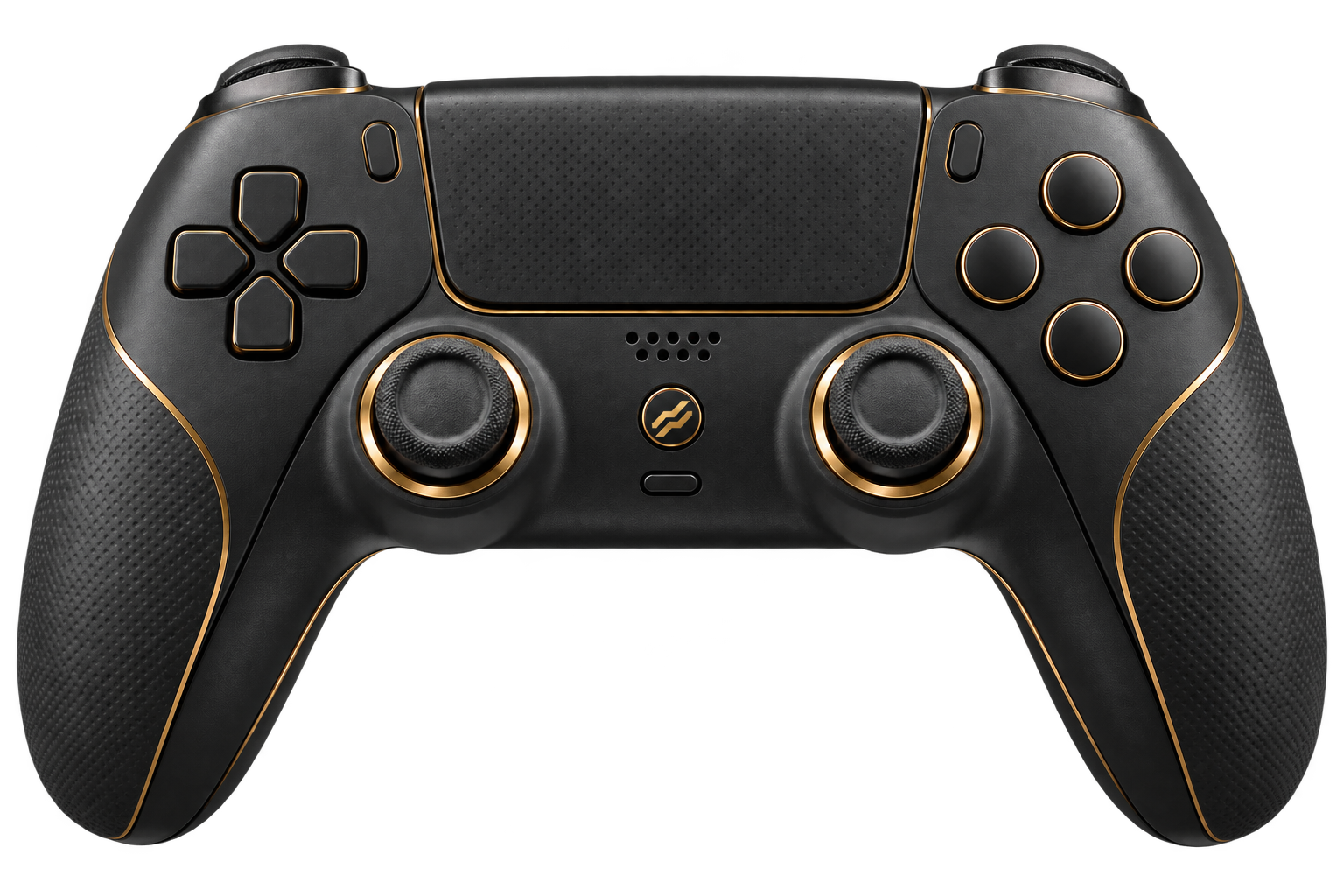
Versus controller concept illustration
Versus Remap macro editor with button actions and timing controls
Supported platformWindows 10 and 11

DualSense, xbox, DualShock 4, keyboard, mouse

Versus
Versus × SweatVPN

Official partnership

Build the profile before you apply it.

Review every mapped action, layer, and timing step in the Windows app before saving the setup.

Versus Remap macro editor
Shown: macro actions and timing controls before save.Inspect this view

Keep frequent setups within reach.

Save separate profiles for different games or play styles, then place the ones you use most in four quick slots.

  • Separate profiles for separate games
  • Main and Shift layers saved together
  • A visible choice before apply
Versus Remap profile slots

Review the sequence before save.

The macro editor keeps ordered actions and timing controls visible so the full sequence can be checked first.

Versus Remap macro editor

Move from mapping to saved profile.

Choose a game, review ordered macro actions, and keep frequent profiles ready in quick slots.

Versus Remap game center
Start with the gameChoose a profile and review the connected input and virtual output.

Your inputs. Your profiles.

Keep the controller layout, macro sequence, and saved profile views together while you shape a setup.

Versus controller concept illustration
Macro editor
Profile slots

Compare Versus Remap plans.

Availability, seats, billing duration, and regional currency load from current Versus pricing.

Loading current Remap plans…

Build the controls that fit your hands.

Open your Versus account to install the Windows app or manage existing access.

Get Versus Remap
Versus Remap game center

Frequently asked questions.

What to know before building a first profile.

Which inputs does Versus Remap support?

The current app supports DualSense, Xbox One and Series, and DualShock 4 controllers on Windows, plus keyboard and mouse inputs.

What is a Shift layer?

A Shift layer changes what mapped controls do while a chosen button is held or toggled. Main remains the base layout.

Can I review a macro before saving it?

Yes. The macro editor shows the ordered actions and timing controls before saving.

Where do I manage billing?

Your plan, seats, invoices, and available billing controls appear in your Versus account.