How to record gameplay without losing FPS
Recording costs performance, but much less than most people think if the encoder is right. Here is what actually causes the drop, and how to measure yours.
Recording always costs something. The question is where the cost lands and how to keep it off your frame rate. Most of the frame drops people blame on recording come from one setting.
The encoder is the whole game
There are two ways to encode video:
- Software encoding (x264) runs on the CPU. It produces small files and it competes directly
with the game, which is often CPU-bound already. This is the classic cause of "recording made my game stutter".
- Hardware encoding (NVENC, AMF, Quick Sync) runs on a dedicated part of your GPU or CPU that
the game does not use. It costs far less frame time and is the right default for live gameplay.
If your recording hurts your frame rate, check the encoder before you change anything else.
What else actually matters
| Setting | Why it matters |
|---|---|
| Resolution and frame rate | Encoding 1440p60 costs roughly double 1080p60 |
| Bitrate | Affects file size and quality, not CPU load much - lower it freely |
| Recording to the game's drive | Two heavy read/write streams on one disk causes hitches; use a second drive |
| Overlays and previews | A live preview window costs GPU time for no benefit while playing |
Use a replay buffer, not a full recording
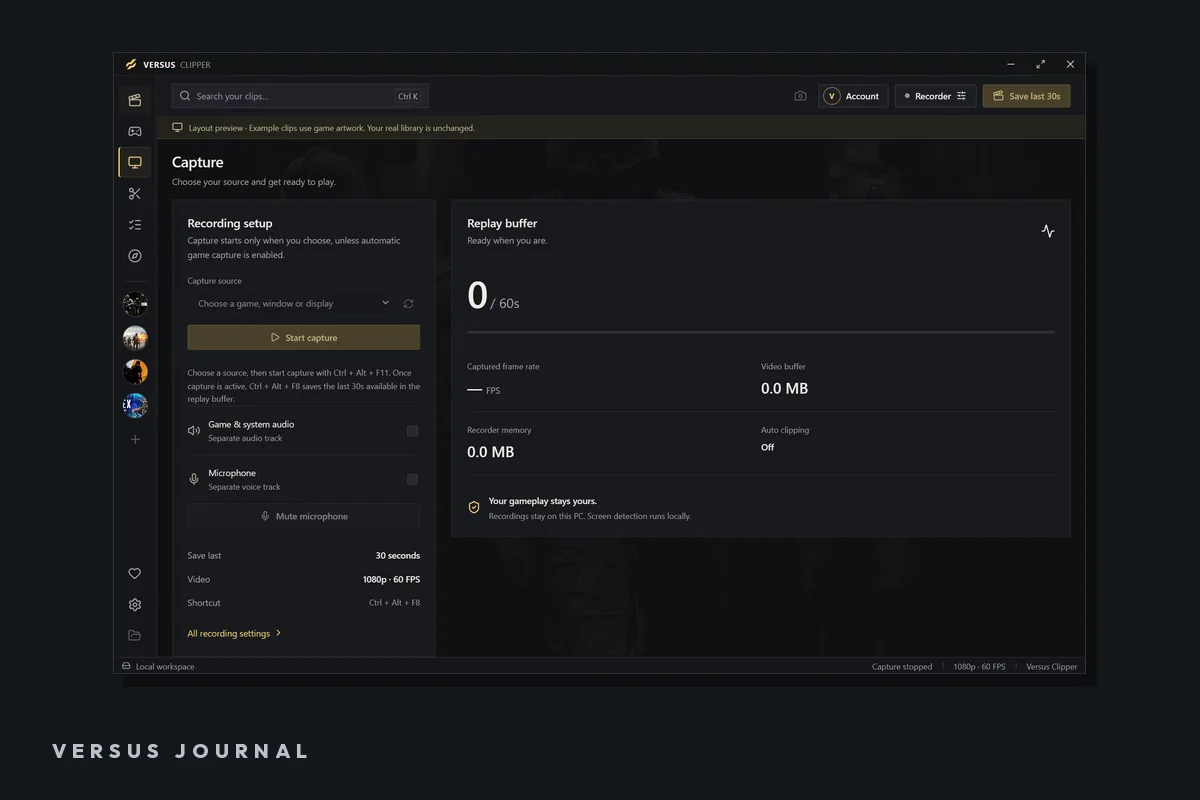
If you are recording to catch a highlight, you do not need an hour of footage. A replay shortcut that keeps the last 30 seconds means the encoder is always running but you only save what matters, and you decide what matters after it happens. For most players this replaces "record everything" entirely.
Keep audio tracks separate
Record game audio and your microphone on separate tracks. It costs nothing in frame time and it is the difference between a clip you can use and one you cannot: you can cut your own voice, duck the game sound, or drop a section with someone else's music playing.
How to measure your own cost
- Record three runs of the same repeatable scene without recording, and note frame times.
- Record three runs of the same scene with recording, same settings.
- Compare the frame-time spread, not just the average.
If the average barely moves but the worst spikes get much worse, your encoder or your recording drive is the problem - not the act of recording. If everything drops evenly, you are CPU-bound and should switch to hardware encoding.
Sources and further reading
- Versus Clipper - replay capture, editing and export
- Do game boosters increase FPS? - measuring frame times
- How to make vertical gaming clips